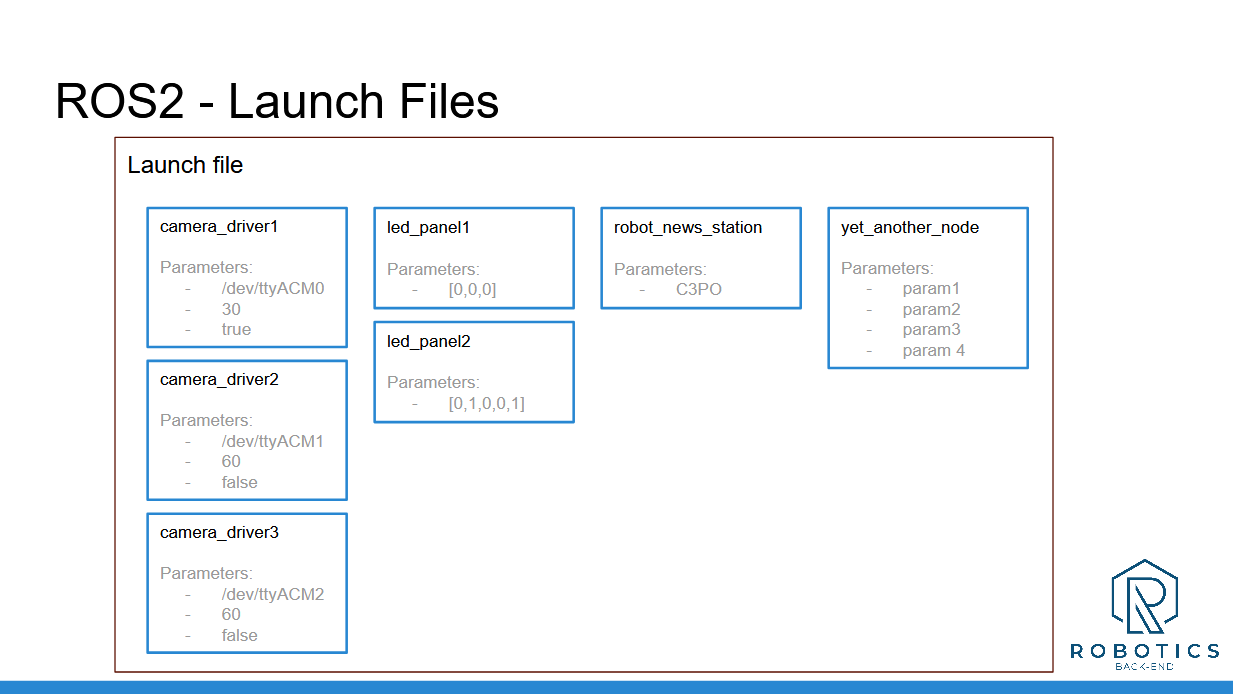
In this section you have discovered Launch Files.
With a launch file, you can start your entire application with only one command line, in one terminal. You can add any number of nodes and fully configure them. That will make your application fully customizable in no time.
Recap:
Setup for launch files:
Create a new package <robot_name>_bringup (best practice).
Create a launch/ folder at the root of the package.
Configure CMakeLists.txt to install files from this launch/ folder.
Create any number of files you want inside the launch/ folder, ending with .launch.py.
Run a launch file:
After you’ve written your file, use “colcon build” to install the file.
Don’t forget to source your environment
Start the launch file with “ros2 launch <package> <name_of_the_file>
---
Download the complete code for this section (this is the code from all previous sections + the current one).
Now, you have everything you need to create a complete application, and scale it without any problem.