
Have you ever noticed some characters on a site not displaying correctly? Maybe the quotation marks look like little white boxes, or the long dashes have been replaced with question marks …
Well, problems like these usually arise from little understanding of character encodings on the part of the developer responsible for the site.
Remember, by ‘encoding’ I mean the process of transforming characters from one format into another. It’s not magic. It’s not difficult, and having a good understanding of the topic will help you a lot in your programming career.
When a form is submitted to a server, the browser uses the character sets to convert the text content of the form to a byte stream that the server can accept. You can also think of the accept-charset as the browsers way of telling the server what character encodings the browser understands.
Indeed, this is exactly what MDN says, as you can see from the screenshot below:
As we have seen, if the encoding type you specify does not include the character the user has typed into the form, the browser will attempt to covert this number into its own character set format.
This format may or may not be understood by the server, which is why it poses a problem.
As mentioned in the previous lecture, always use UTF-8 unless you have a very good reason not to.
accept-charset attribute?What a lot of people don’t know is that the browser USED to send accept-charset parameters in HTTP request headers according to their own principles and settings (regardless of your accept-content type).
But today, this header is often ignored by server-side code. And what's even more, browsers don't even send it anymore.
Again, MDN confirms this:
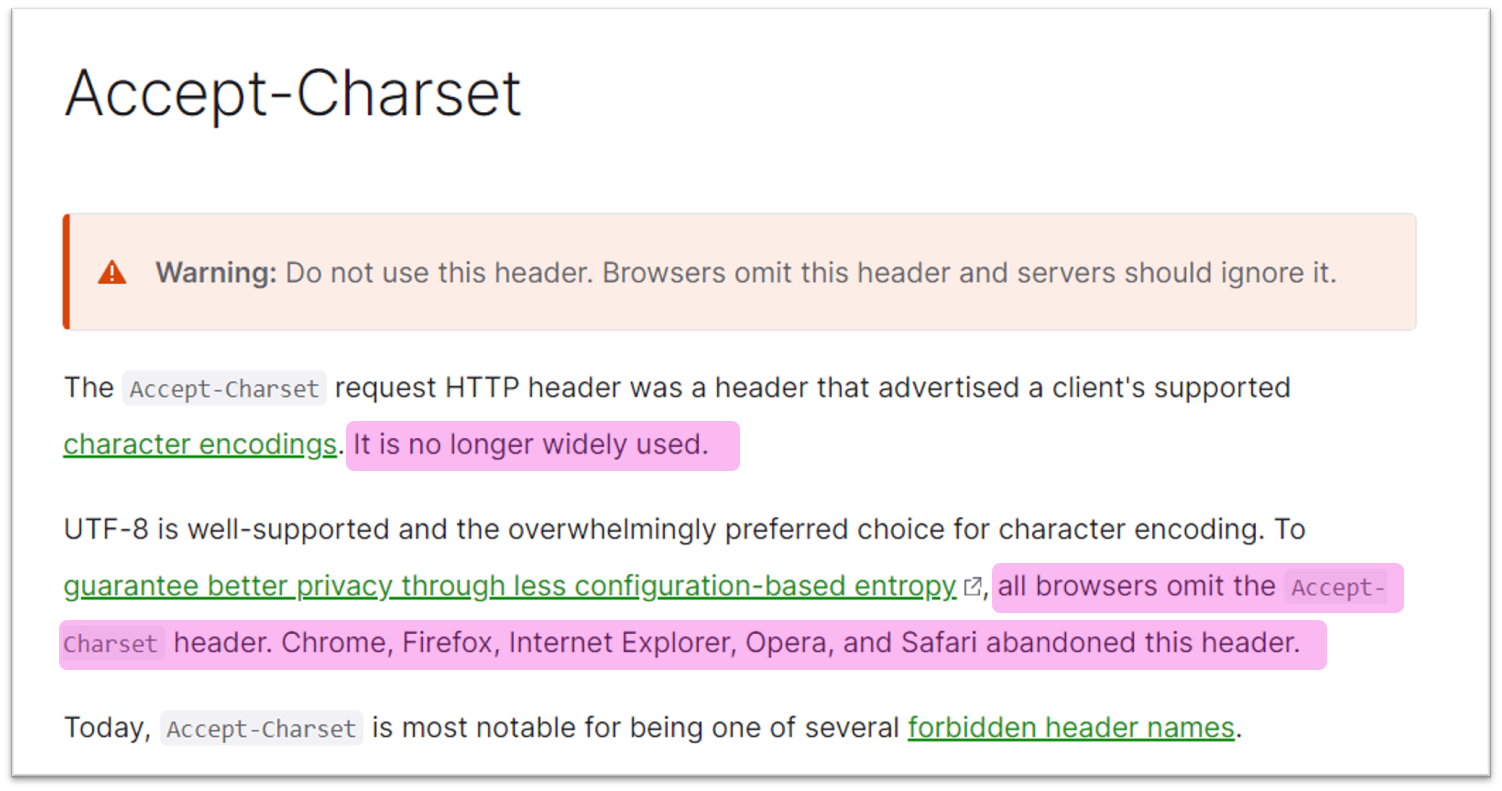 accept-charset header
Remember, the accept-charset attribute was designed for 2 main reasons:
to make the encoding of the FORM data submission different from the encoding of the page. Suppose your page is ASCII encoded and someone types Hebrew or Greek into your form. Browsers will have to figure out what this means, since those Hebrew or Greek characters can’t be presented in ASCII format; and
so that the server can determine which encoding is to be used in its response. For example, server-side software (a form handler, in this case) may be capable of using different encodings in its response.
So then, you may be wondering, do I need to explicitly use the accept-charset attribute?
Short answer: no.
Why?
Firstly, the default character set of your entire form is the same as the character set of the entire document. So the only time you would need to define the accept-charset attribute is if any element of the form contains characters that can’t be represented by the character set of the document.
Secondly, for HTML5, the default character encoding is now UTF-8. This was not always the case. The default character encoding for the early web was ASCII. But with the introduction of XML and HTML5, UTF-8 became the default and has solved a lot of problems.
And thirdly, servers typically ignore it, and because of this browsers no longer said this header information along with a request.
I know I spent some time on this, but its so important for you to grasp these concepts early on in your career. It will only help you become a better programmer. We're also going to talk about the Content-Type (or more specifically, the enctype attribute) later on, and having this background information will help you.
By the way, here is a cool link that lets you play around with bytes and encoding types.
See you in the next lecture :)