A common question is how do you view HTTP request headers and body information?
Some people use extensions (like Firebug or Chrome's Advanced REST Client).
But for most purposes, your browsers’ inbuilt developer tools should be just fine.
For example, in the previous lectures we've used the Network tab within Chrome DevTools to inspect our HTTP request information.
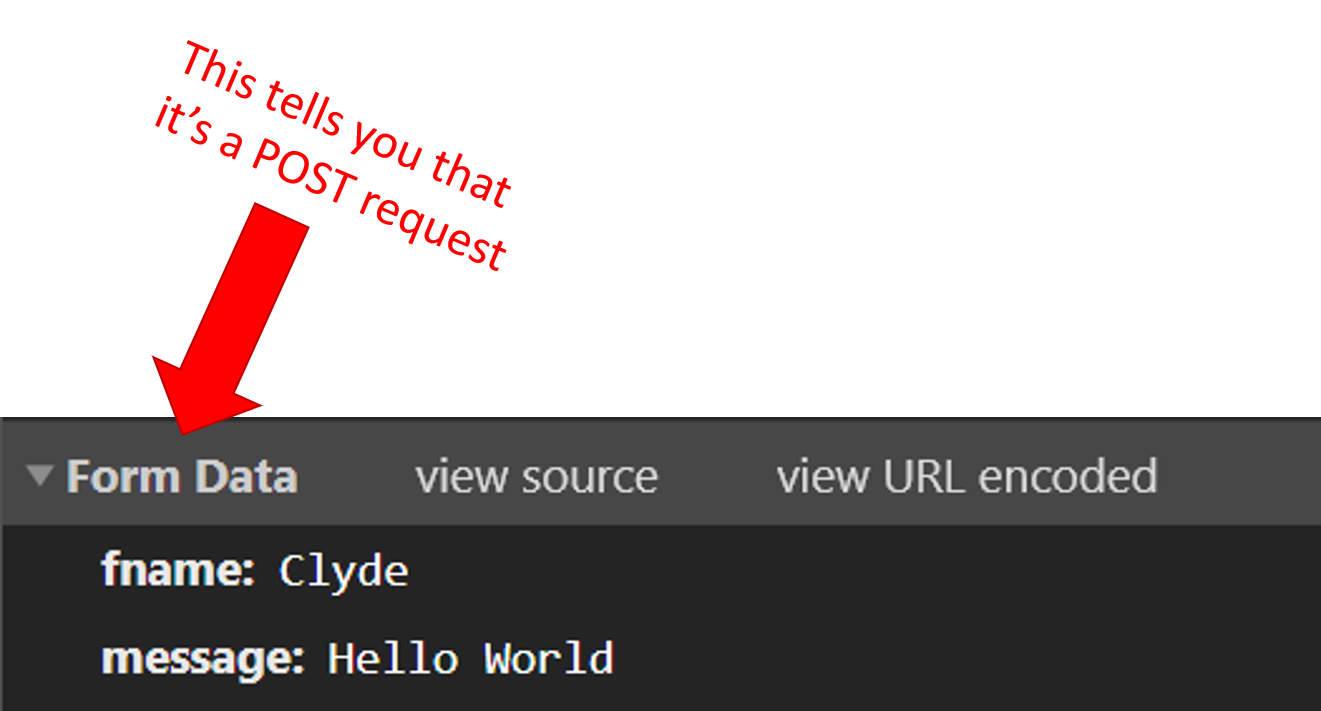
For POST, we know that the form data is embedded into the body of the HTTP request. And this is why in the video on POST, when we inspected the request, we saw a heading of “Form Data”.
Remember? It looked like this:
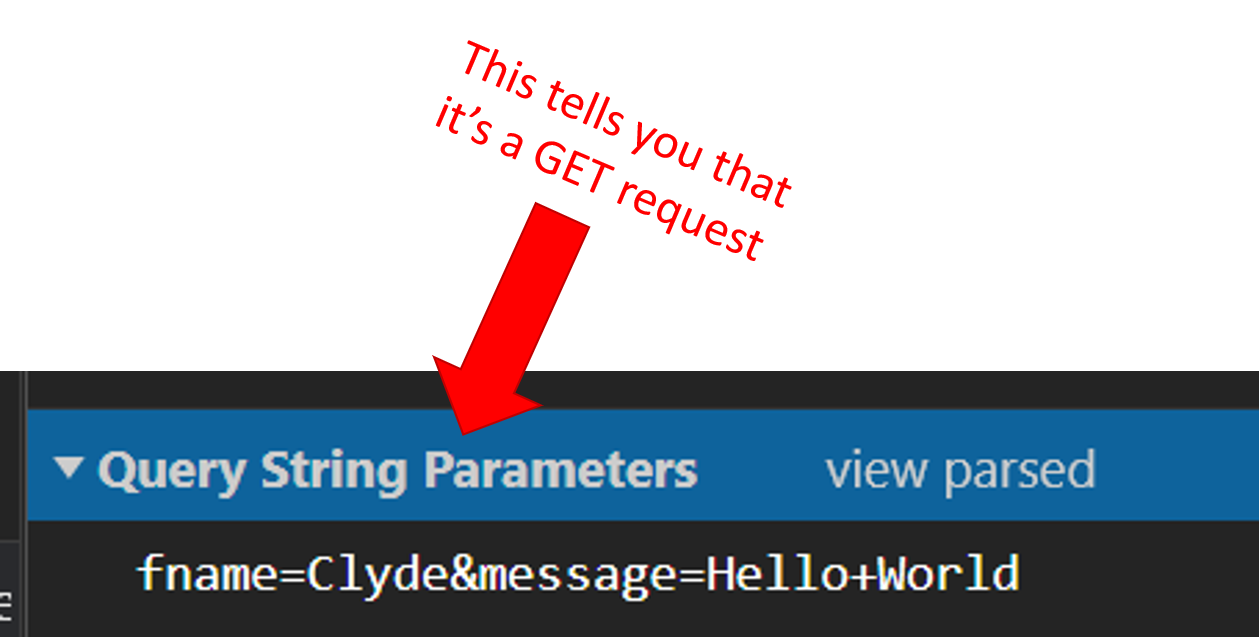
But when we looked at the GET request, the heading was “Query String Parameters”.
It looked like this:
That’s it – simple as can be.
Bottom line: With a GET request the information is in query strings (i.e. inside the URL), whereas with a POST request the information is attached to the body of the form (i.e. it's attached as form data).
Keep going, grab a coffee, and I'll see you in the next lecture.