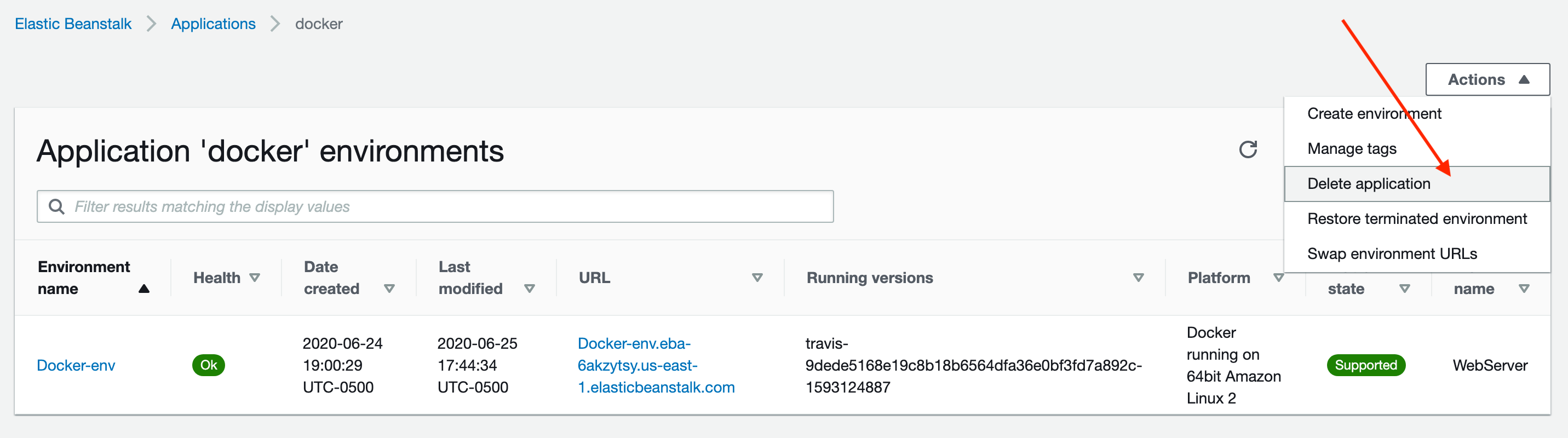
Remember, we need to delete the resources we created or you might end up paying real money for them. To clean up the Elastic Beanstalk instance we created, do the following:
1. Go to the Elastic Beanstalk dashboard.
2. In the left sidebar click "Applications"
3. Click the application you'd like to delete.
4. Click the "Actions" button and click "Delete Application"
5. You will be prompted to enter the name of your application to confirm the deletion.
Note: it might take a few minutes for the dashboard to update and show that your app is being deleted. Be a little patient!