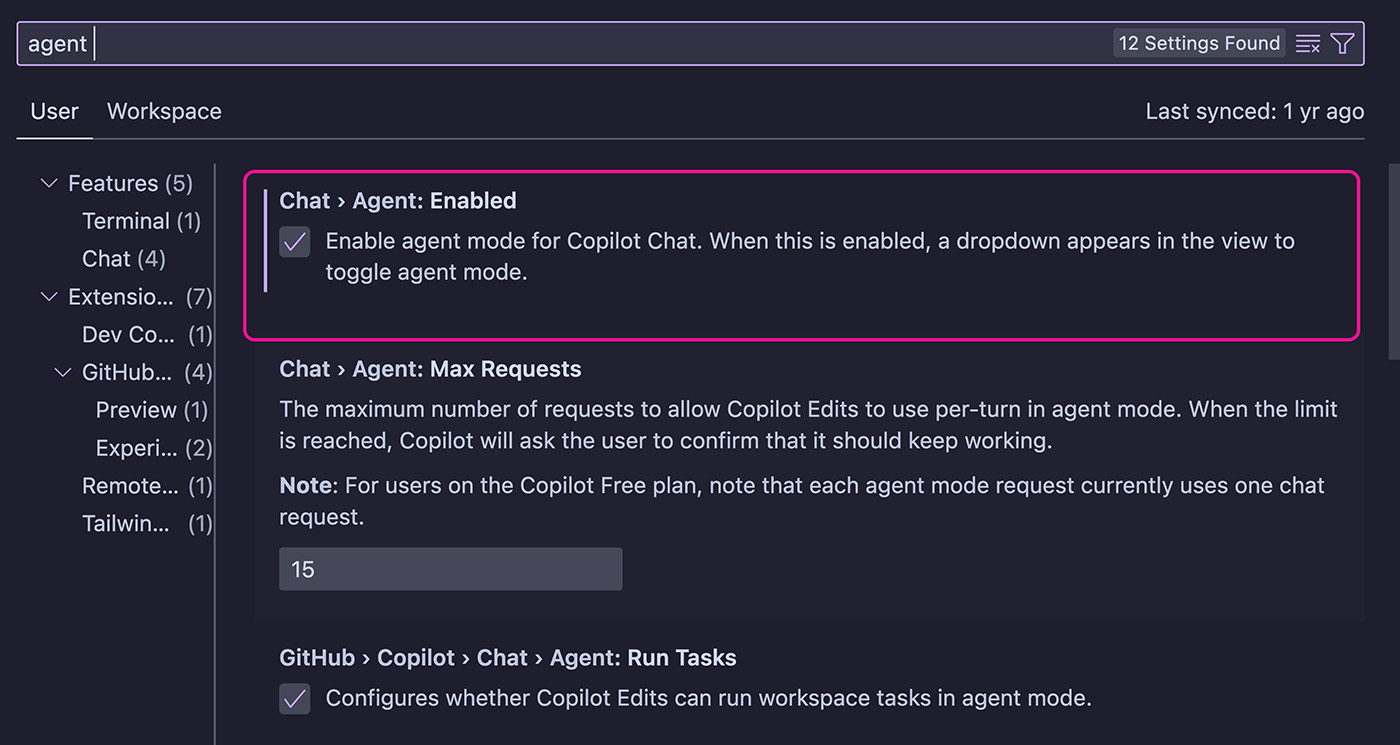
If you're using a recent version of VS Code (at least 1.99+), you can enable "Agent Mode" which is essentially a better version of "Copilot Edits".
After enabling "Agent Mode", you'll be able to switch between "Ask", "Edit" and "Agent" in the GitHub Copilot Chat / Edits window.
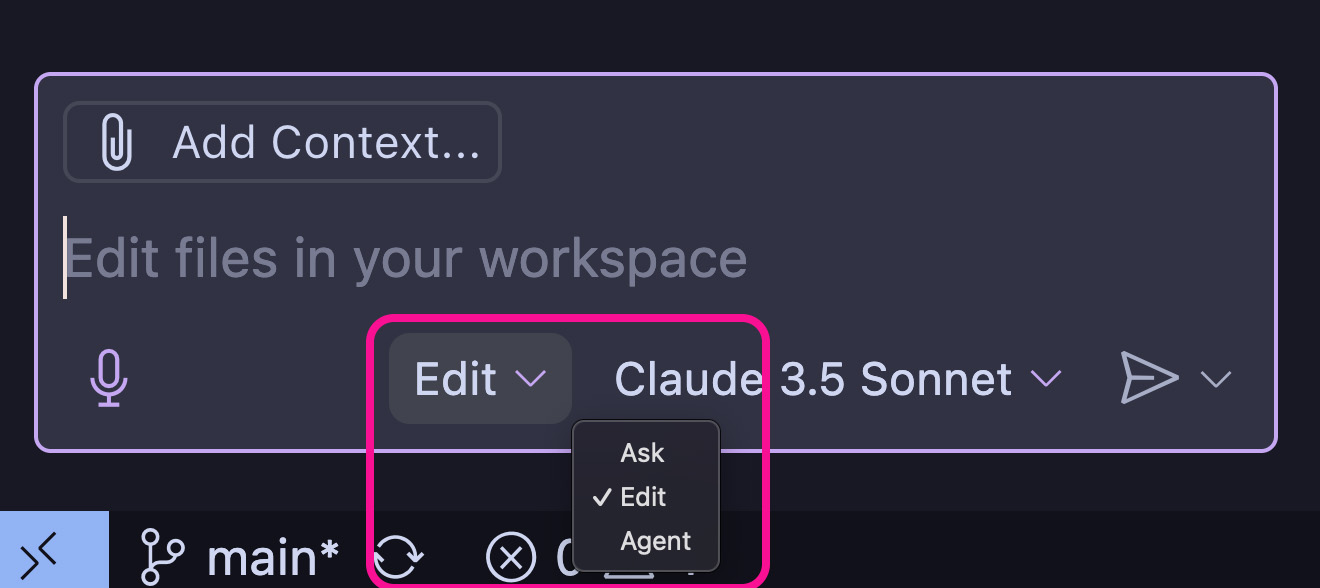
This window has now been unified - i.e., it's one window for Chat, Copilot Edits and this new Agent mode.
Chat:
The chat as you know it. Great for letting AI explain code, ask AI questions (without making having it make any code changes) or brainstorm.
Edit (Copilot Edits):
Good for requesting multi-file code adjustments (e.g., for refactoring code). Will likely be replaced with "Agent Mode" in the future though.
Agent Mode:
The "better" Copilot Edits experience. Works just like Copilot Edits but the AI should have an even deeper understanding of your codebase and be able to suggest (and run) terminal / command line commands. It will also make code changes across multiple files.
The general idea is that you tell the AI what it needs to do, and it goes ahead, makes a plan and performs all required changes.
In my experience, it may get lost and it also does not necessarily produce great results. You should experiment with it on your own, though. And it's definitely a useful mode (just like Copilot Edits) for making multi-file changes or refactorings with help of AI.