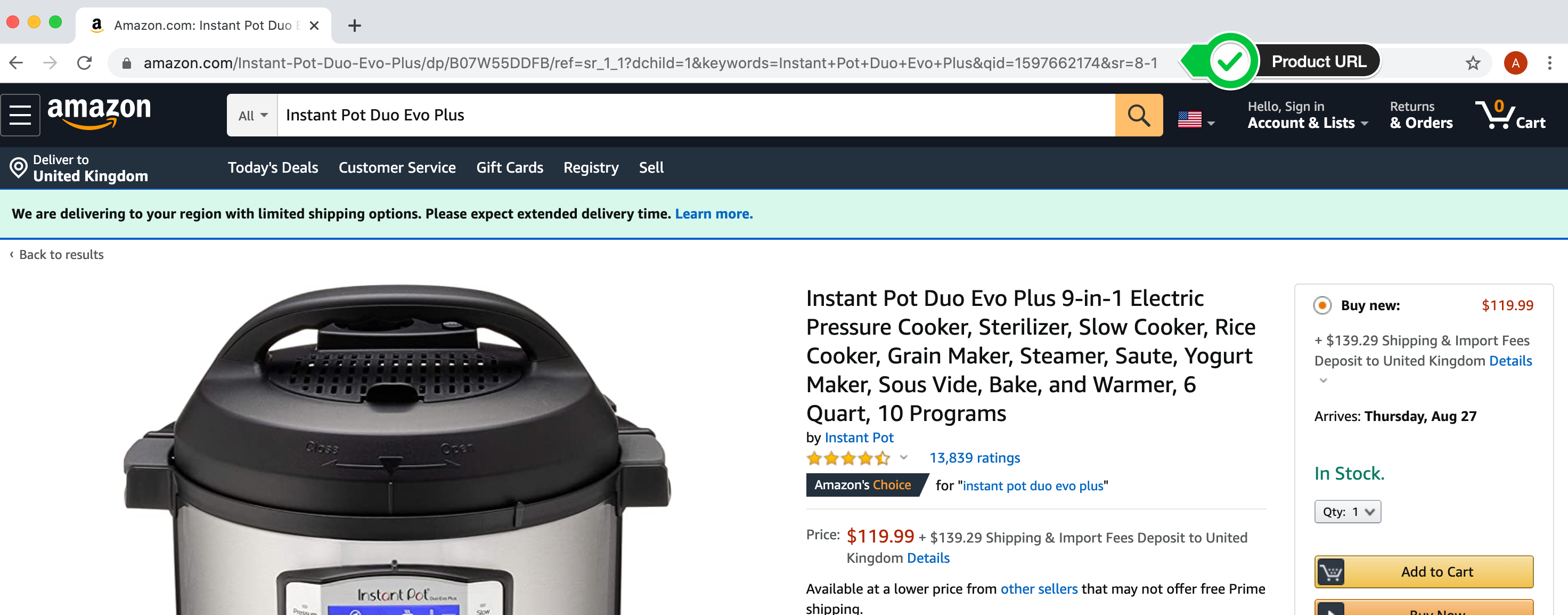
You've tackled that static site. Now we can try our luck with the live Amazon site. The thing is - live site's change! If Amazon changes the html then the price information may move to a different part of the page. Also, Amazon might respond to our request with a Captcha instead of the web page.
1. Find a product on Amazon that you want to track and get the product URL or just use the one I'm tracking.
https://www.amazon.com/dp/B075CYMYK6?psc=1&ref_=cm_sw_r_cp_ud_ct_FM9M699VKHTT47YD50Q6
2. Inspect the price and the product title and check if you need to change soup.find() to get the correct values.
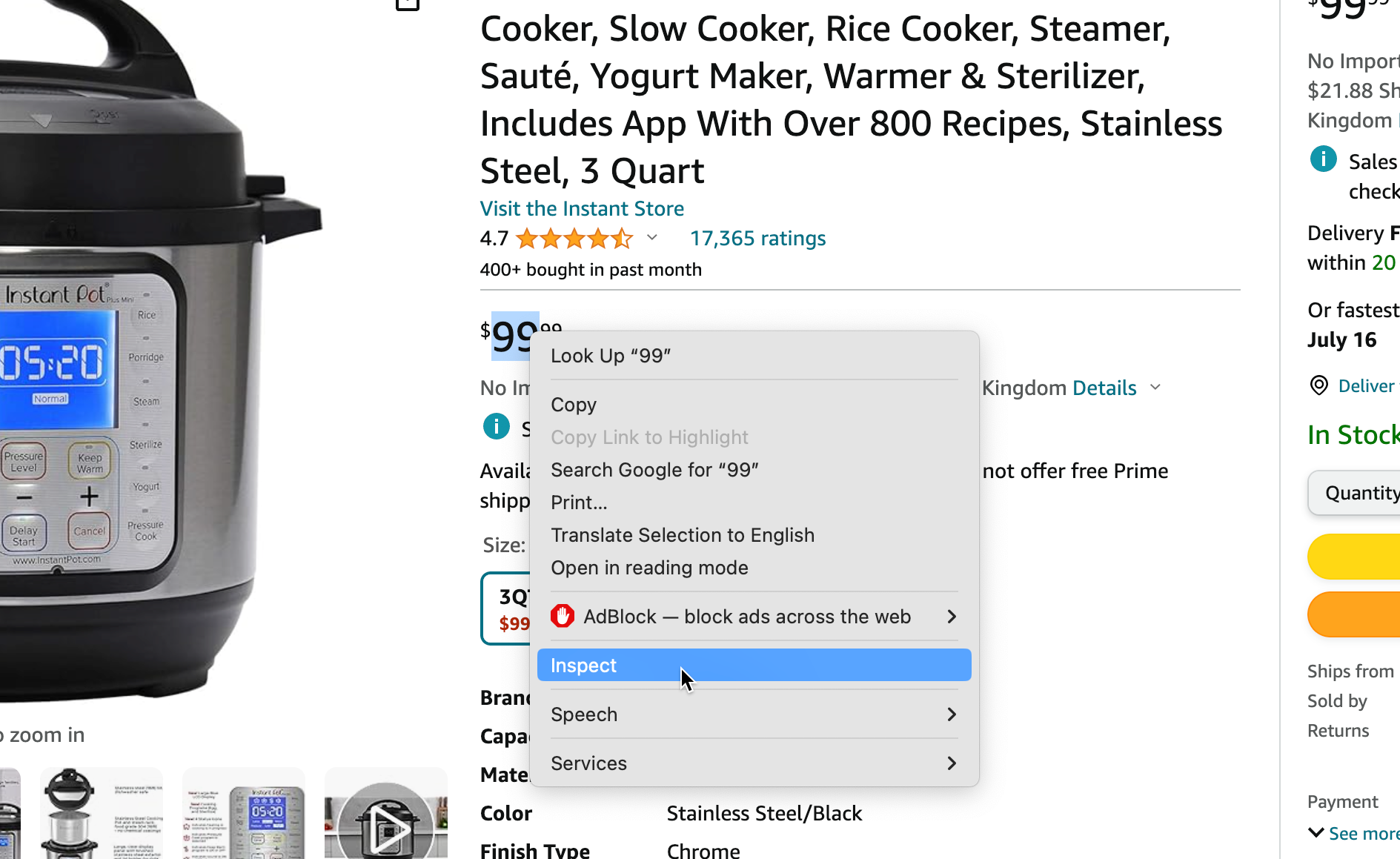
3. Change the url from the static practice site to the Amazon product page you want to target.
4. Run your code! Use print(soup.prettify()) to see what you're getting back from Amazon. Make sure it is the actual HTML of the web page that you're targeting. Amazon might just return something unfriendly like Captcha page.

Good luck! If your code runs successfully on the live site, you should see something like this:
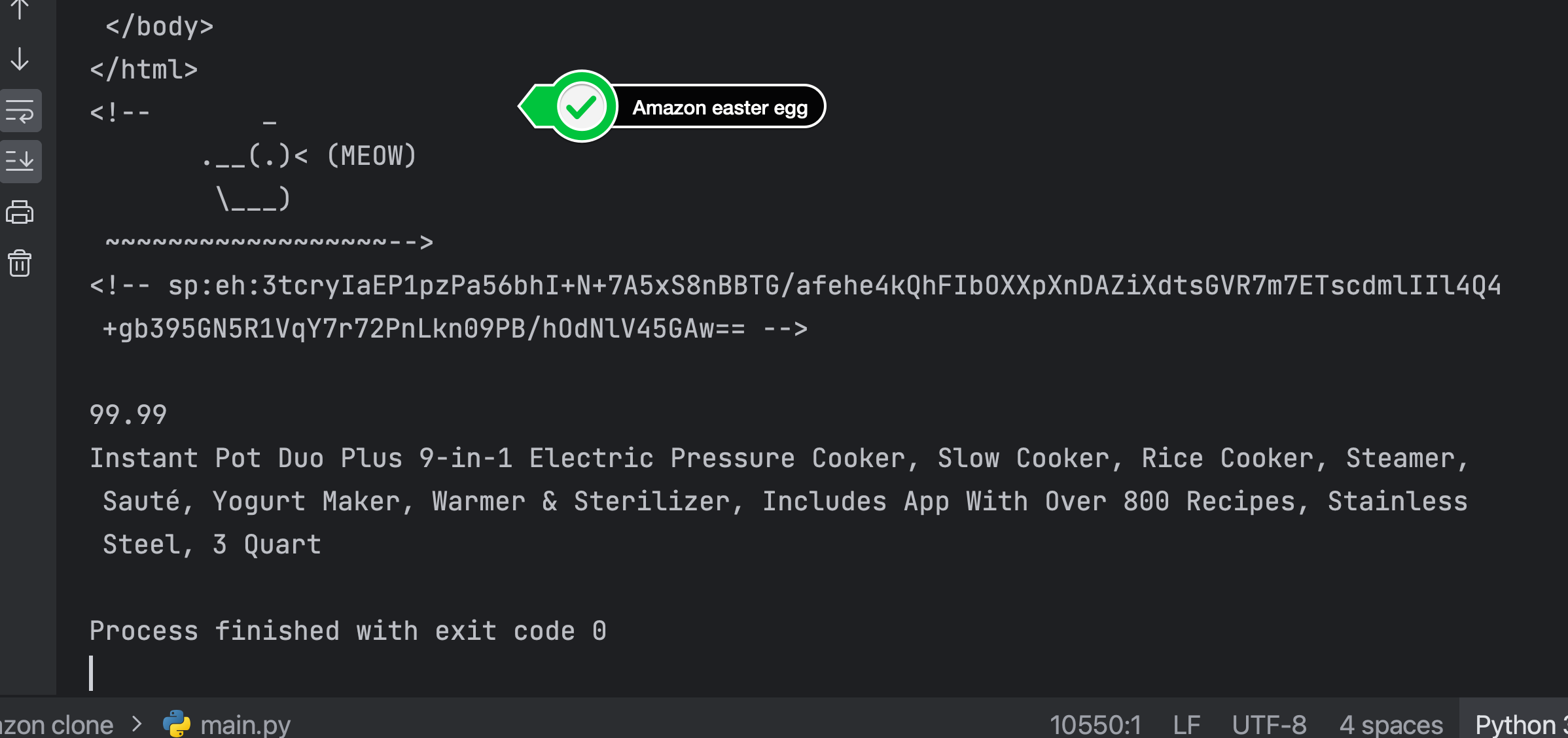
SOLUTION 5 - Completed Project
If you're not getting what you're expecting, try the following:
1. Choose a different amazon region or page for your url. For example, if you're based in the UK, use a product from amazon.co.uk rather than amazon.com.
2. Change the values that you're providing in the headers with your request. Try providing a minimal headers. Try providing a lot of data via your headers. Do you get the same result?
3. Try is using a different parser with BeautifulSoup. So far, we've been using the "html.parser", but you can also try "lxml" to make soup with the web page HTML you get back. You would use a different parser like this:
soup = BeautifulSoup(response.content, "html.parser")

soup = BeautifulSoup(response.content, "lxml")
If you get an error that says "bs4.FeatureNotFound: Couldn't find a tree builder with the features you requested: html-parser." Then it means you're not using the right parser, you'll need to import lxml at the top and install the module then use "lxml" instead of "html.parser" when you make soup.