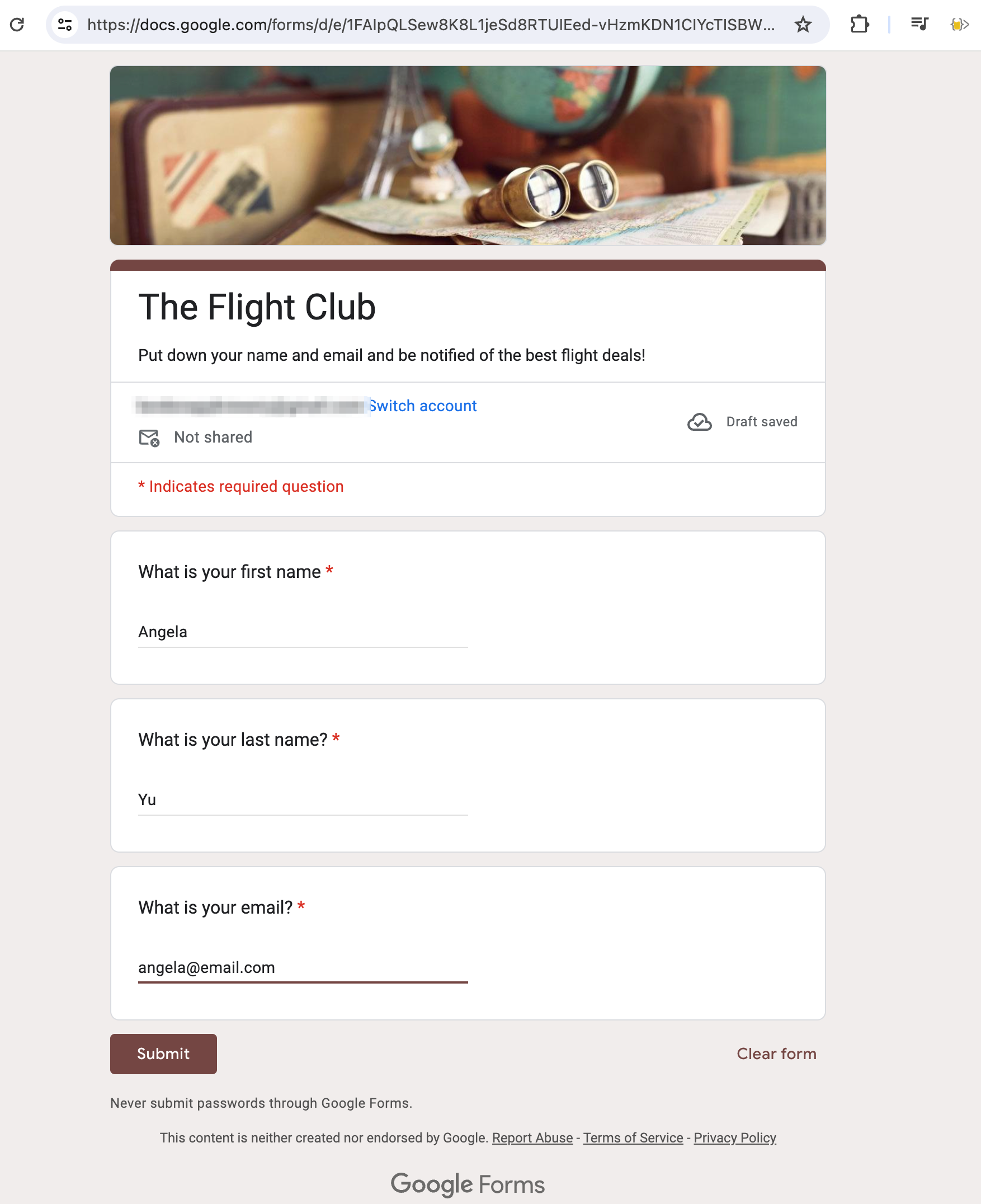
We'll need our customer's names and emails in order to email them the flight deals. We've already got a Google Sheet set up, so the easiest way to have our future customers provide their emails is to send the a form, so that they can add their email to our Google sheet. Our Python program will then read from that sheet (as it did before), but now it will be able to email those customers who put their email down!
1. Inside Google Drive, right click and create a new google form.
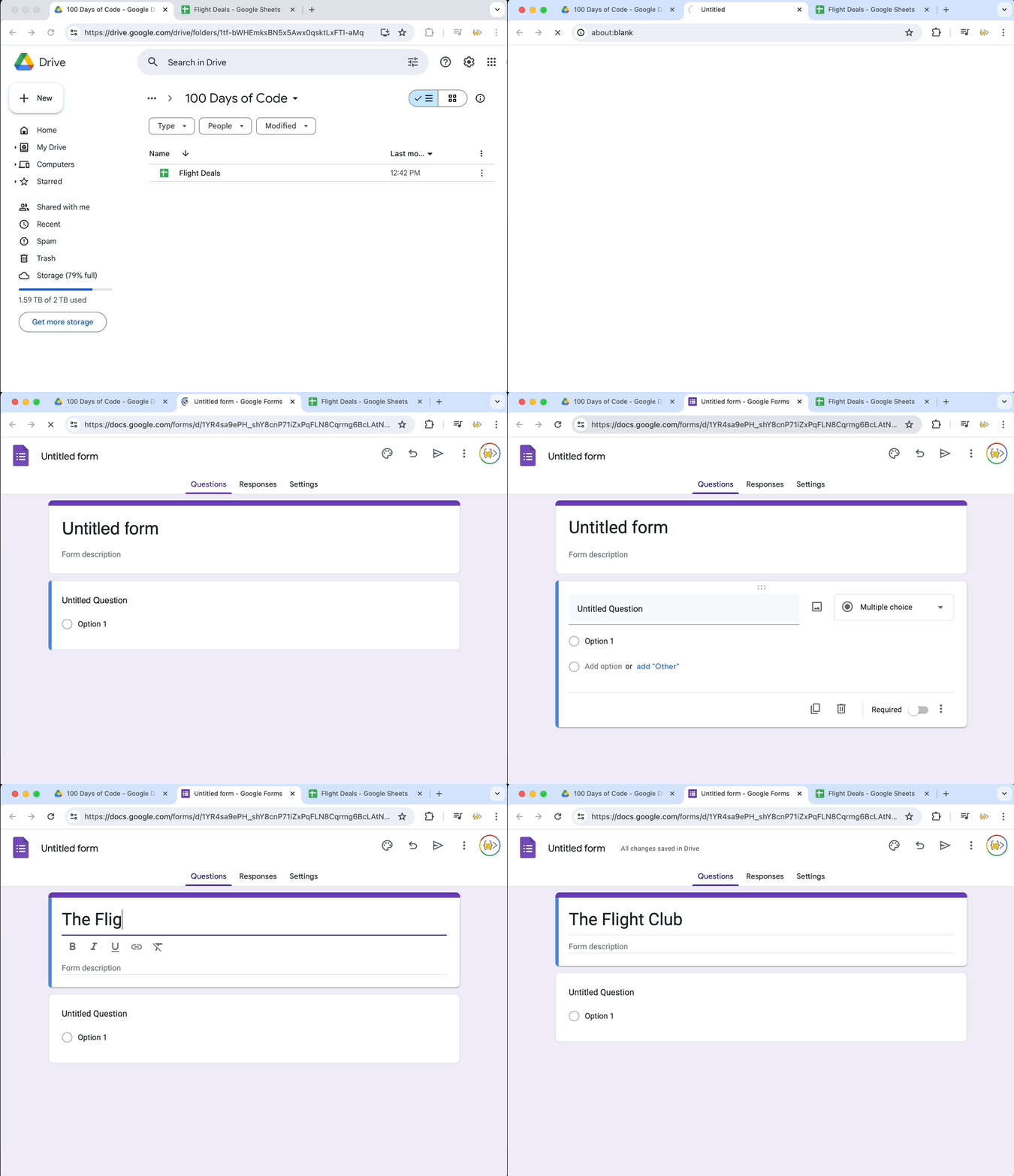
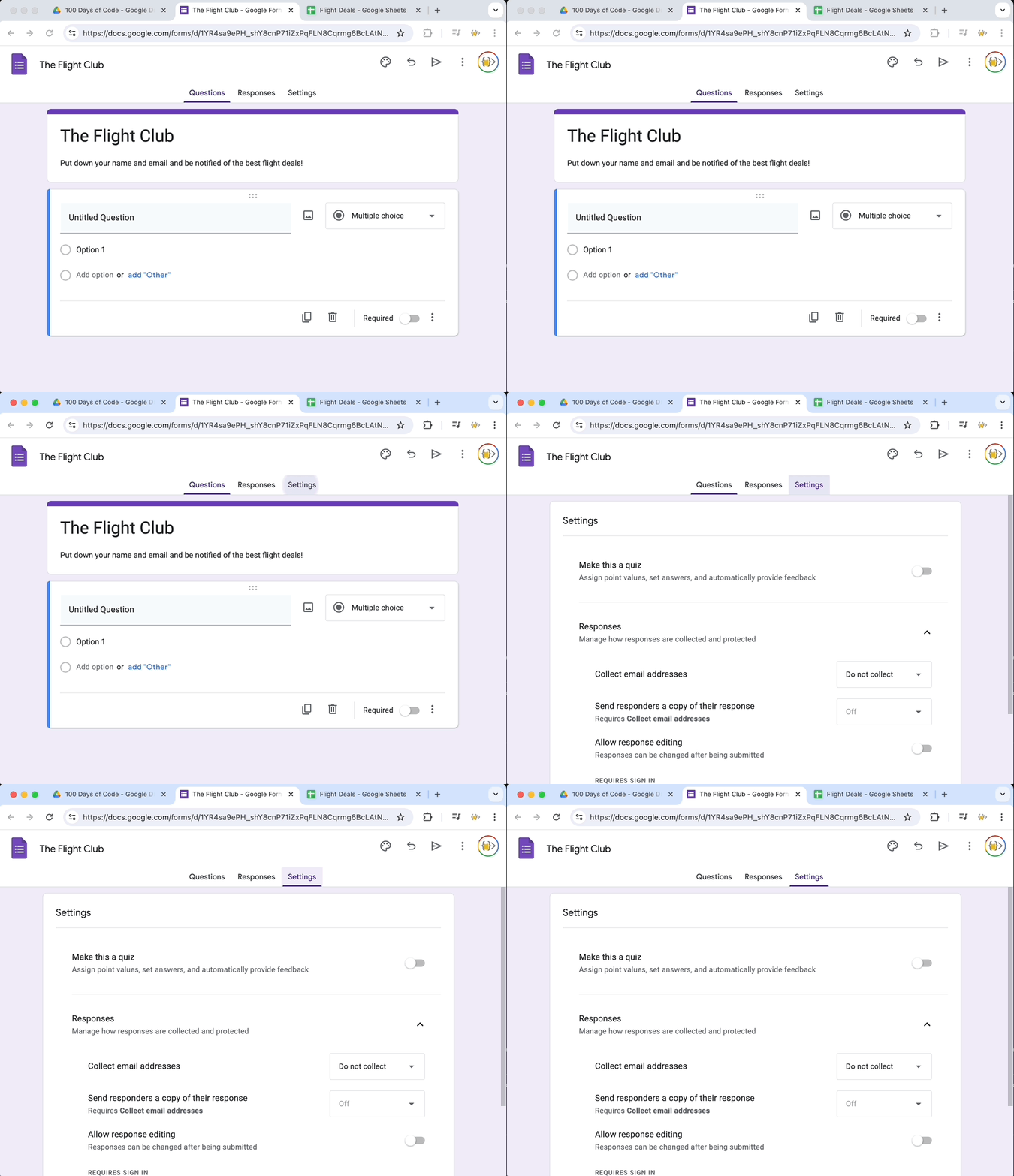
2. Make sure email collection is disabled and you do not limit to 1 response (this makes testing and entering some dummy data easier).
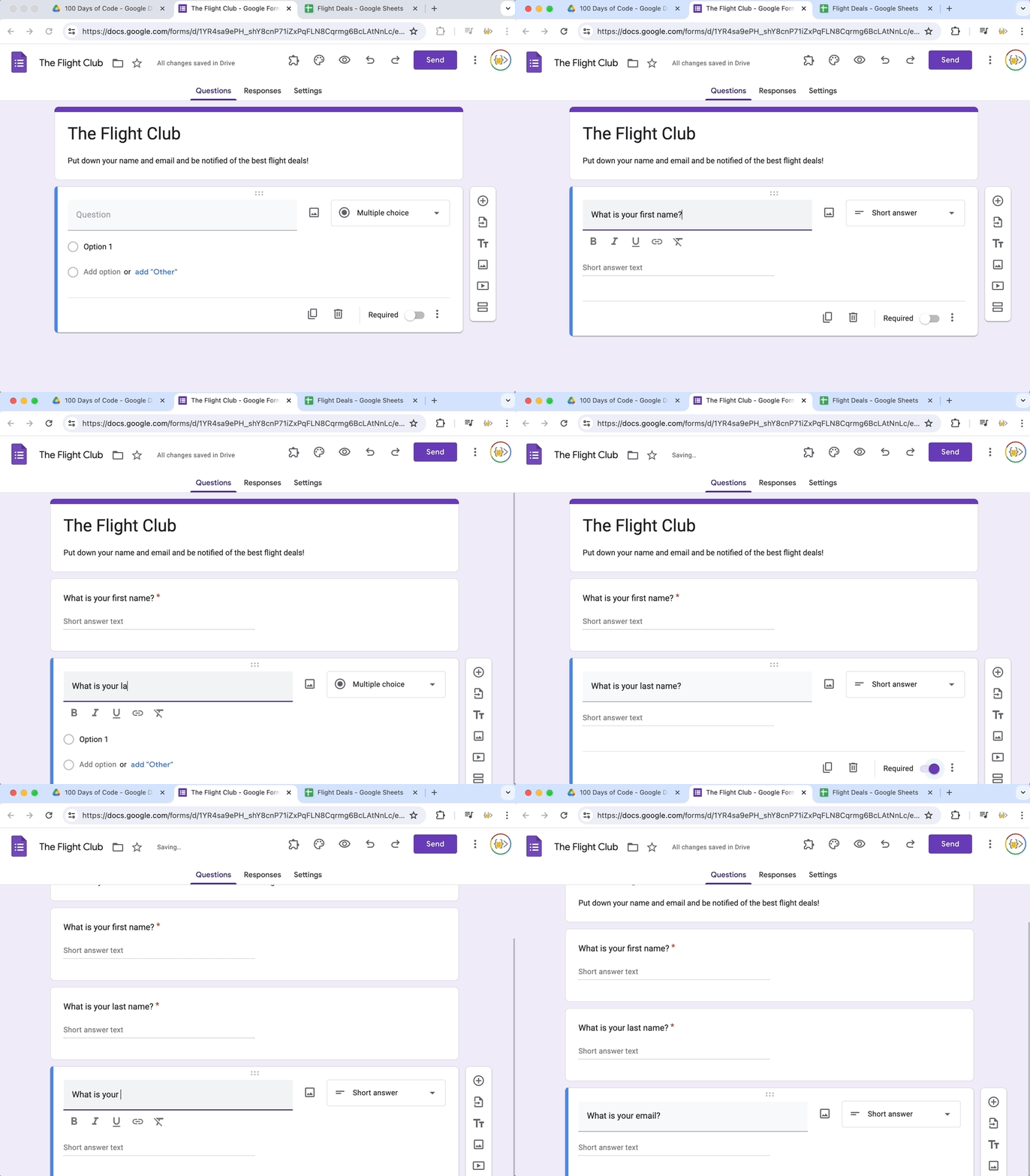
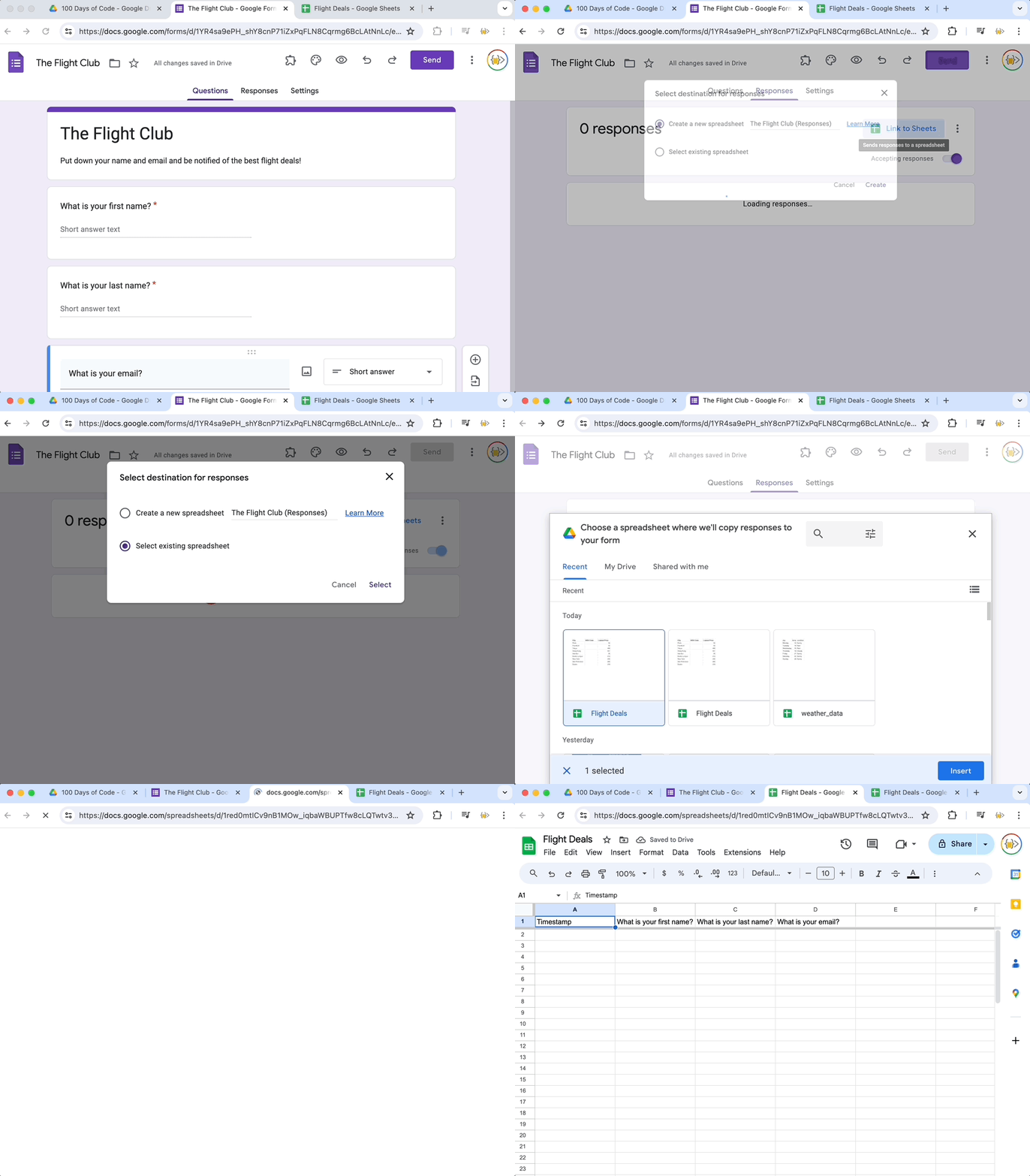
3. Add 3 questions to collect their first name, last name, and email.
4. ‼️ Link your google form to your existing Flight Deals Sheet ‼️
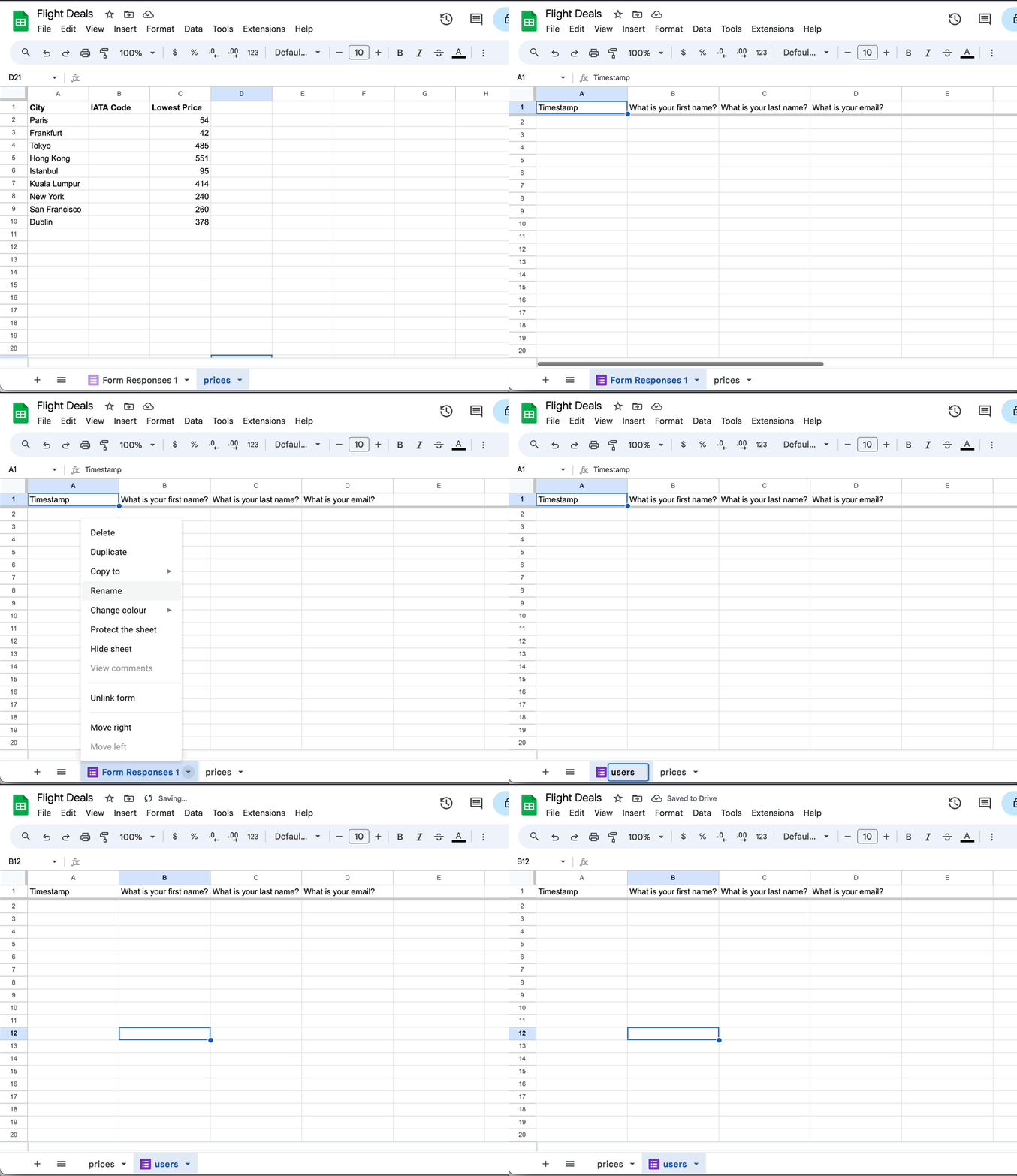
5. Rename your responses sheet to "users"
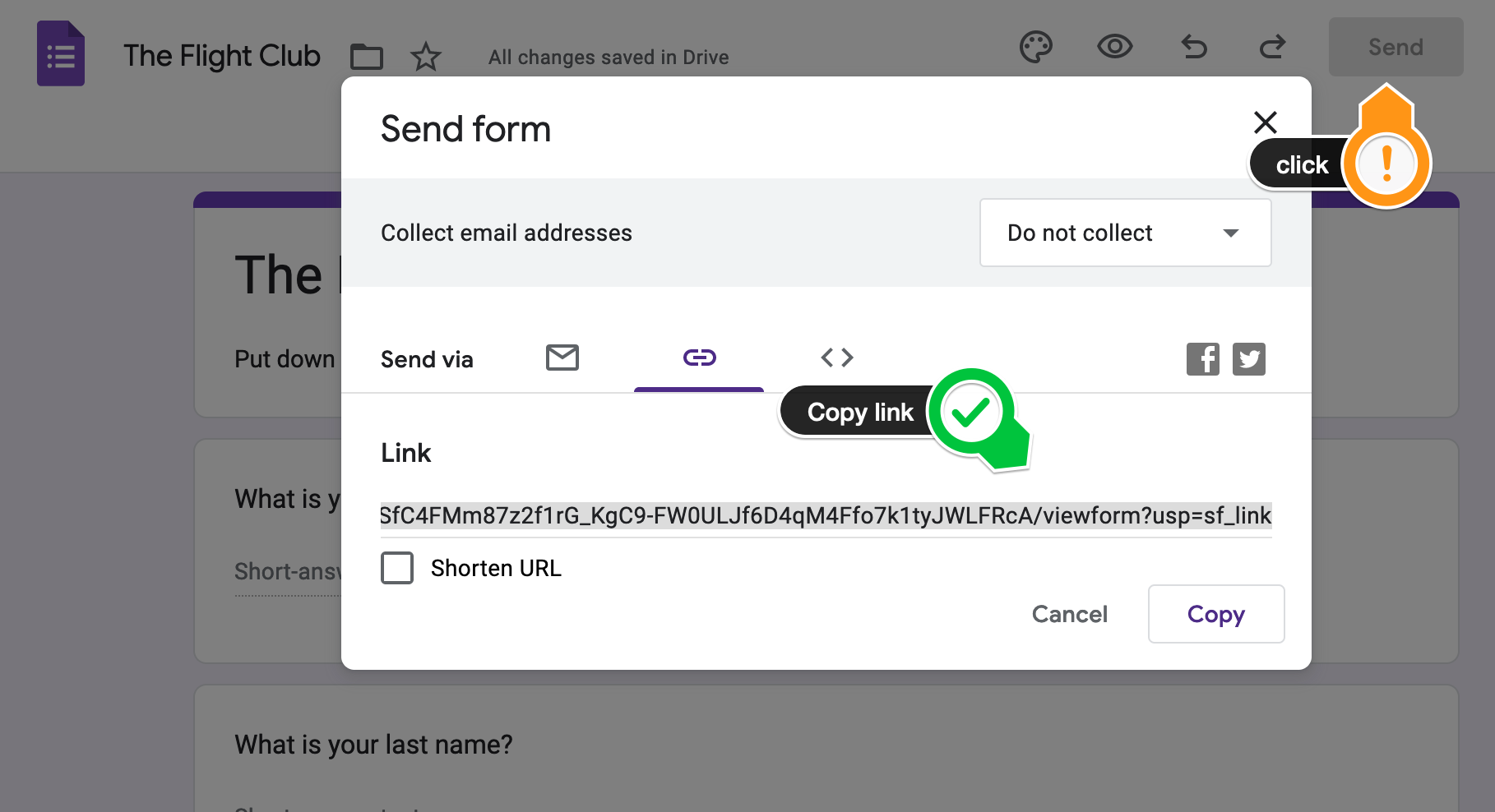
6. Try out your form. Submit some dummy data and see if it shows up in your sheet. Click Send and copy the link.
Paste the link into a private or incognito window in your browser. And submit some responses.
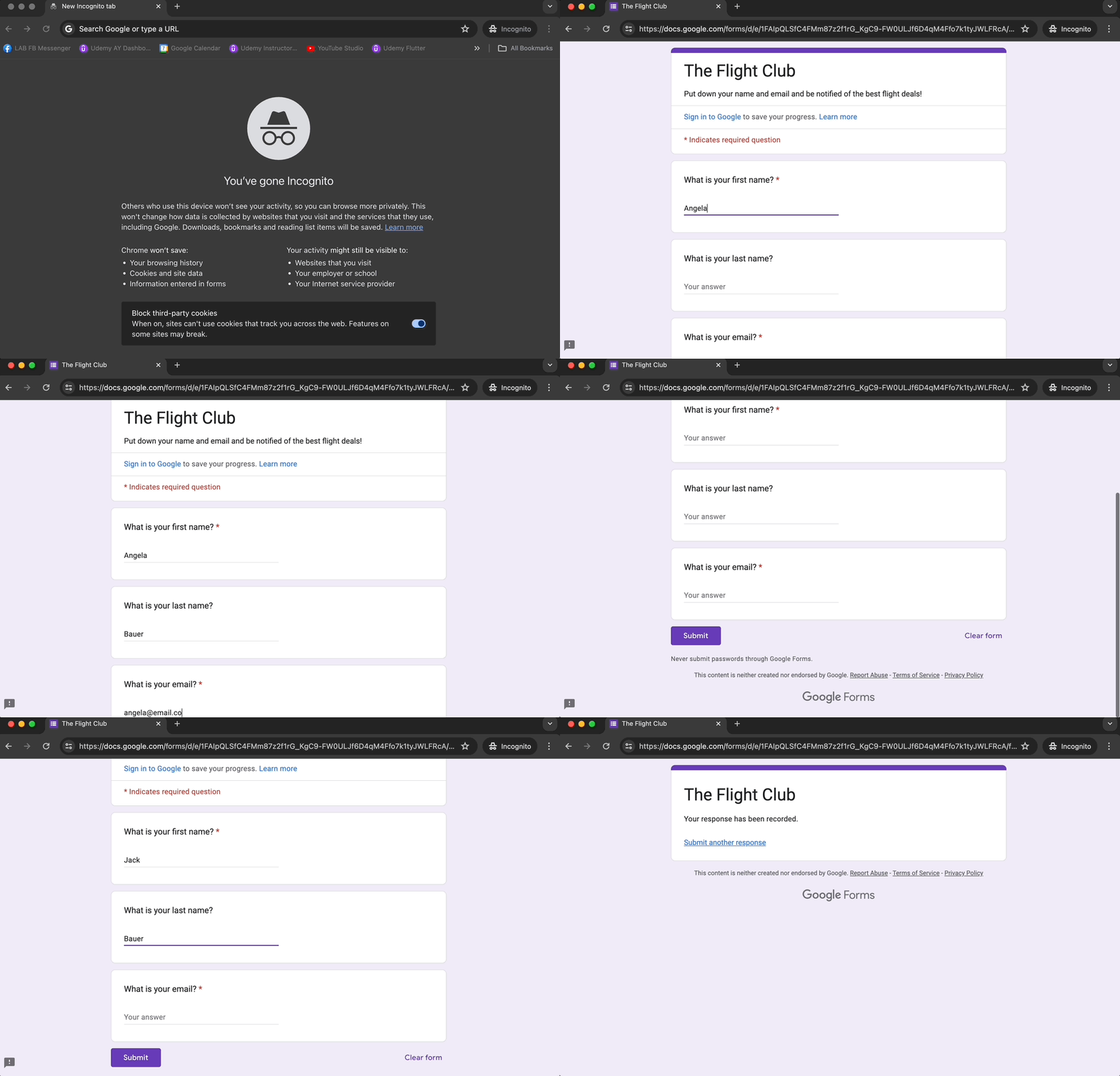
You should see your data show up in your spreadsheet now.
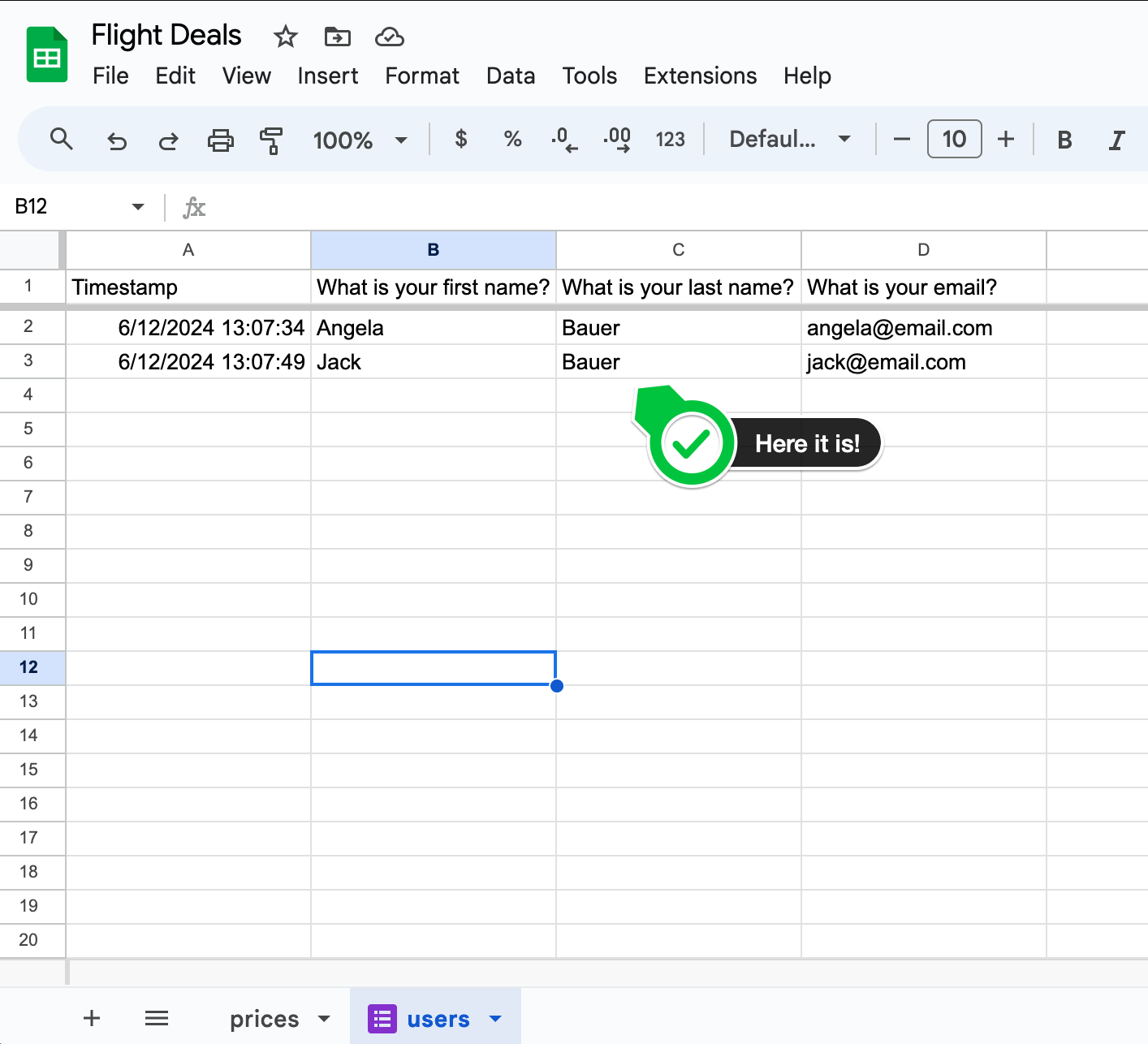
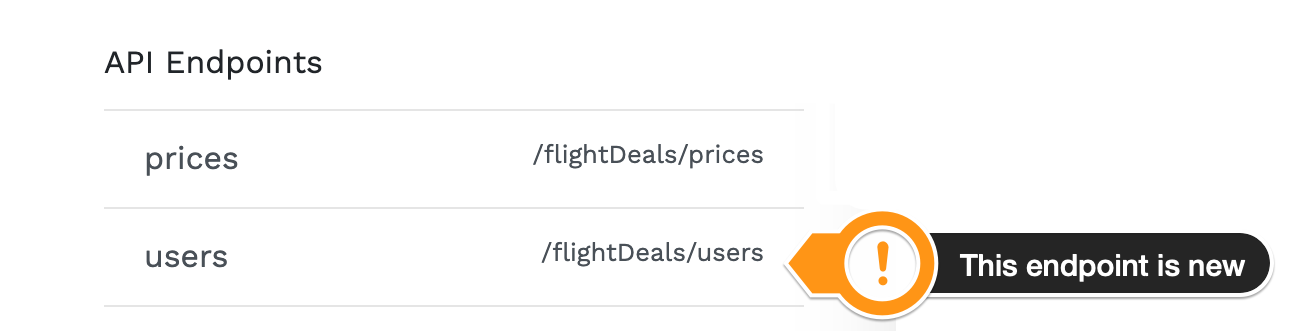
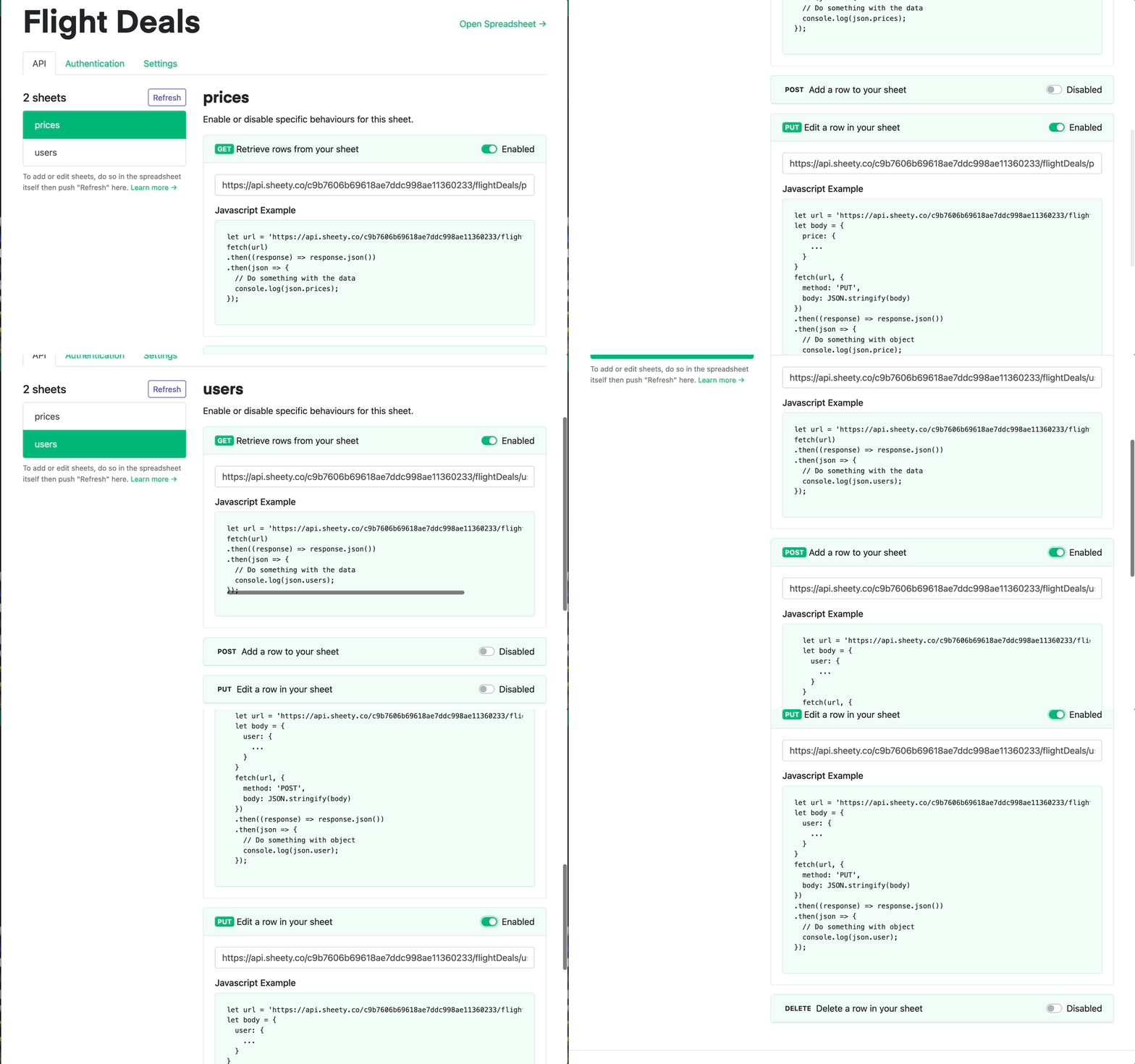
1. Sync the new sheet in Sheety. Your "users" sheet should appear below "prices".
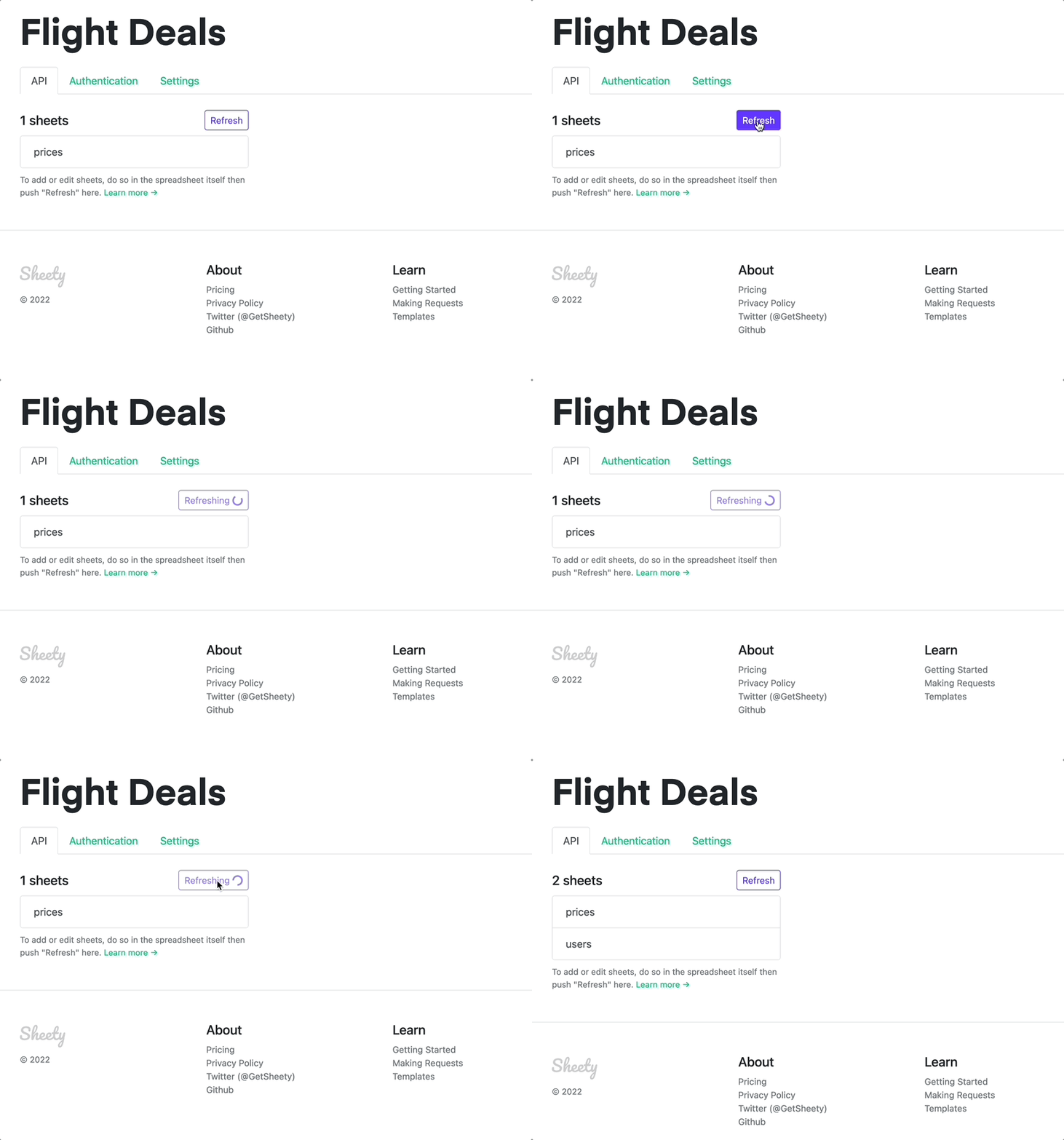
Note: you might have to log in again to Sheety.
4. Check that PUT and POST requests are enabled for your users tab. Enable POST requests for the users endpoint.
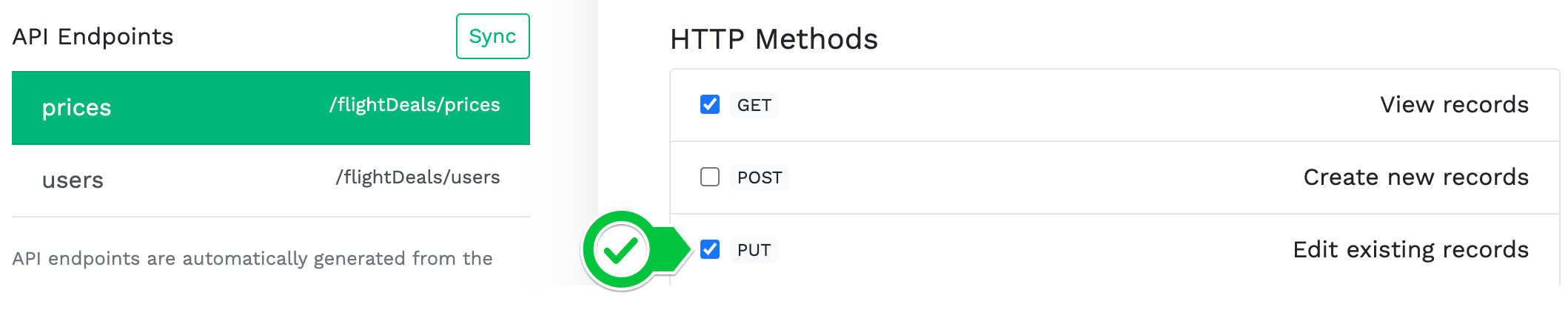
4. Enable the POST method in the users endpoint:

Why are we using a google form instead of writing the Python terminal program that you saw in the previous video? Sadly, replit has disabled sharing of terminal style programs. A google form has become the best substitute for now.