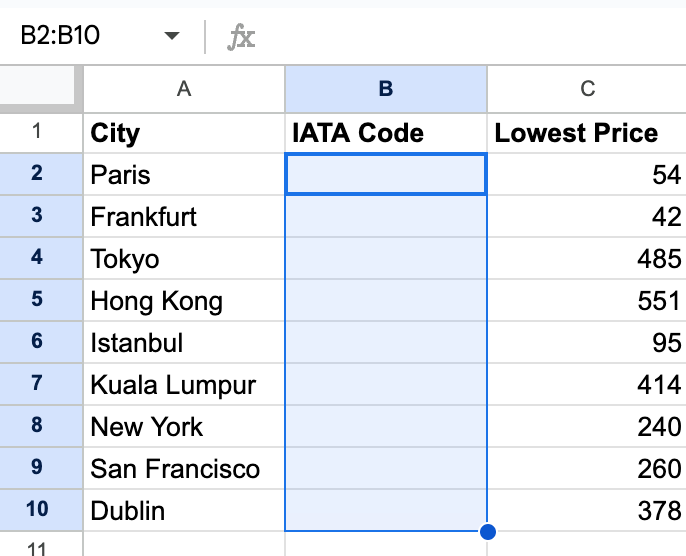
In order to search for flights, we need an International Air Transport Association (IATA) code. This code helps to identify airports and metropolitan areas.
Some airports are so famous that people even refer to the IATA code in normal conversation. e.g LAX and JFK.
Some cities have multiple airports so they have their own city IATA code which is different from the airport IATA code. e.g. LON (London) - LHR (Heathrow)/ LGW(Gatwick) etc.
The goal for this step is to add the missing IATA codes for each city to the Google Sheet.
1. Delete the "TESTING" values in the Google sheet again. Our code thus far only writes to the Google sheet if the cells are empty.
We've started storing our Sheety username and password in the .env file already. Let's add the Amadeus API key and Secret there as well.
NOTE: You'll have to sign up (free) for an account with Amadeus to access their flight search API.
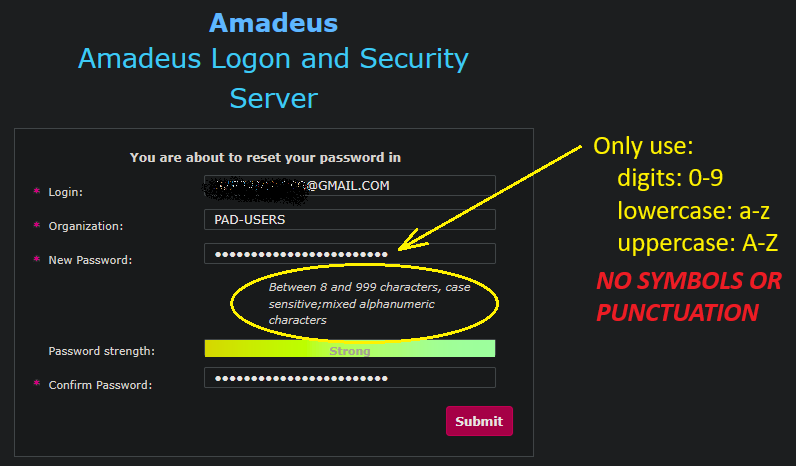
Double check the instructions in Step 1 to make sure you've selected the correct options.
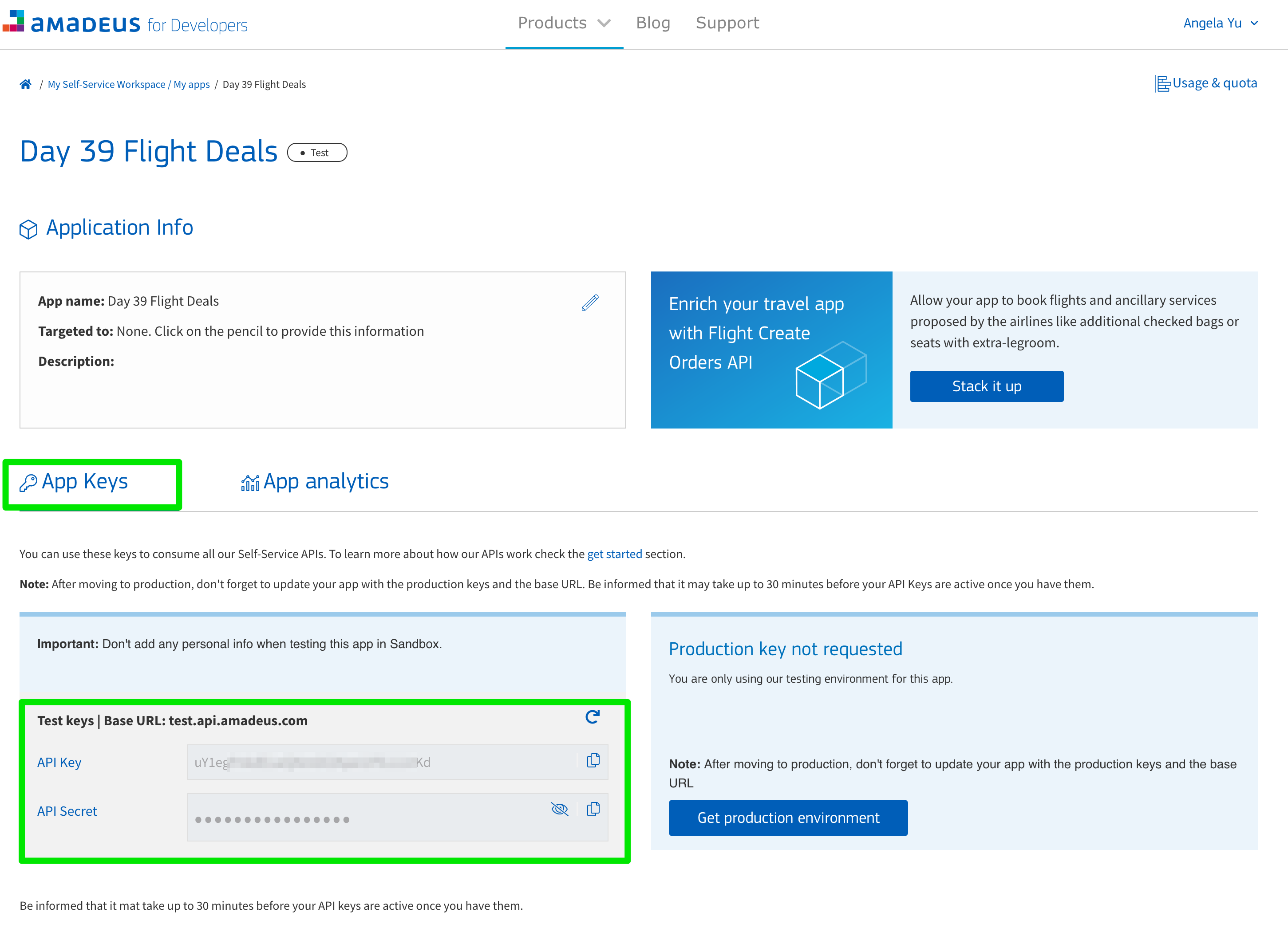
For this project, let's do the Amadeus authentication inside our flight_search.py file. Create an __init__(self) in the FlightSearch class. Then give FlightSearch three variables: an _api_key, an _api_secret, and a _token.
Set your API key using your environment variables like this:
self._api_key = os.environ["AMADEUS_API_KEY"]
and set your token by calling a separate method where we'll request the token.
self._token = self._get_new_token()
To make any requests to Amadeus, we first need a token (the Amadeus API key and Secret is not sufficient).
Create a function called _get_new_token(self) where you request a new token using your API keys.
Check out the official authorisation guide to find the endpoint for the token: https://developers.amadeus.com/self-service/apis-docs/guides/developer-guides/API-Keys/authorization/
I know the above link shows the endpoint but doesn't show you any Python example code. Here is what your Python code would roughly look like. Adapt this to your project:
# Header with content type as per Amadeus documentation
header = {
    'Content-Type': 'application/x-www-form-urlencoded'
}
body = {
    'grant_type': 'client_credentials',
    'client_id': YOUR_API_KEY,
    'client_secret': YOUR_API_SECRET
}
response = requests.post(url=TOKEN_ENDPOINT, headers=header, data=body)Then take a look at the city search API -> search by city name.
1. Pass each city name in sheet_data one-by-one to the FlightSearch class to get the corresponding IATA code for that city using the Flight Search API. You should use the airport code you get back to update the sheet_data dictionary.
Print the updated sheet_data dictionary and you should see:
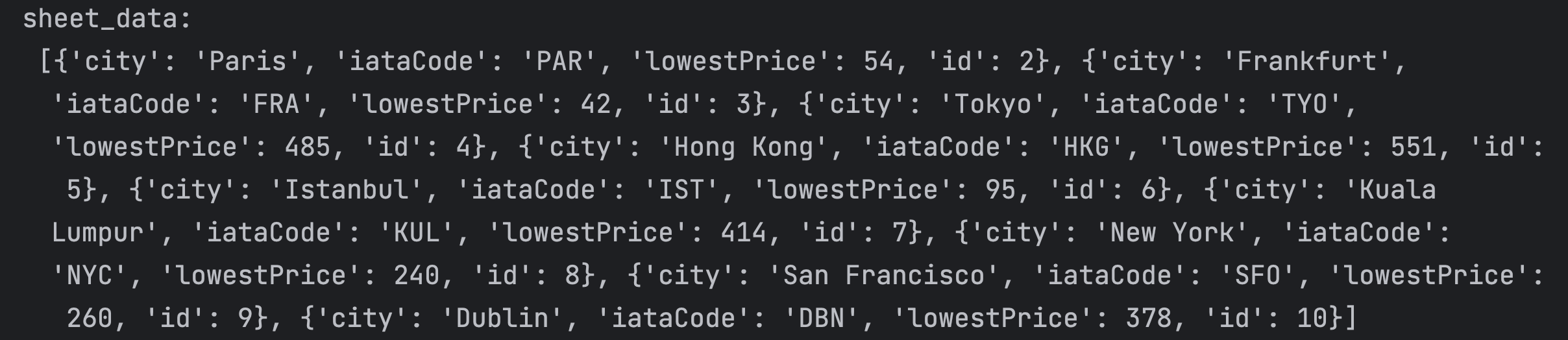
When you run your code again, you should see the Google Sheet update with the IATA code for each city.
Note: Add some Error Handling! The test API might not give you back an airport code for certain cities. Also, if you hit the rate limit, it might not give you a response with airport data at all.