Download the starting project by clicking on the link the bottom.
Unzip the downloaded file and open the project in PyCharm.
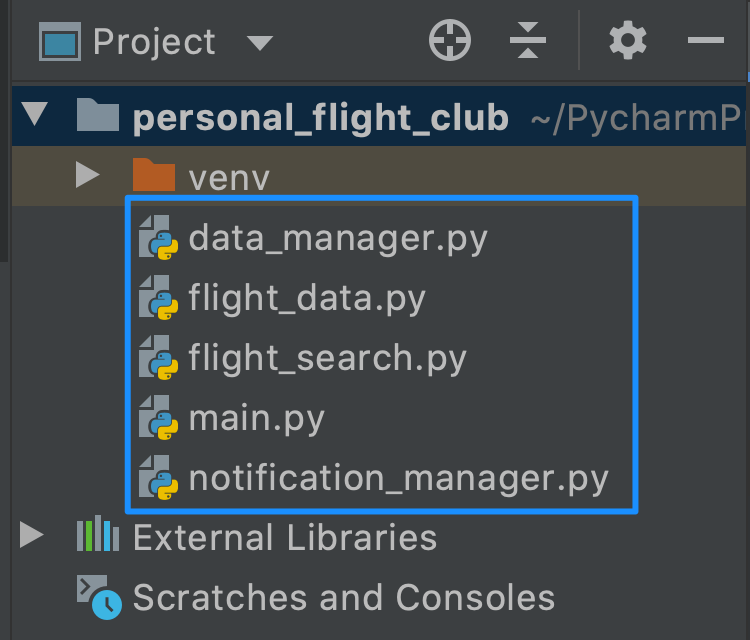
Take a look through the starting project to get a sense for the structure of the final program.
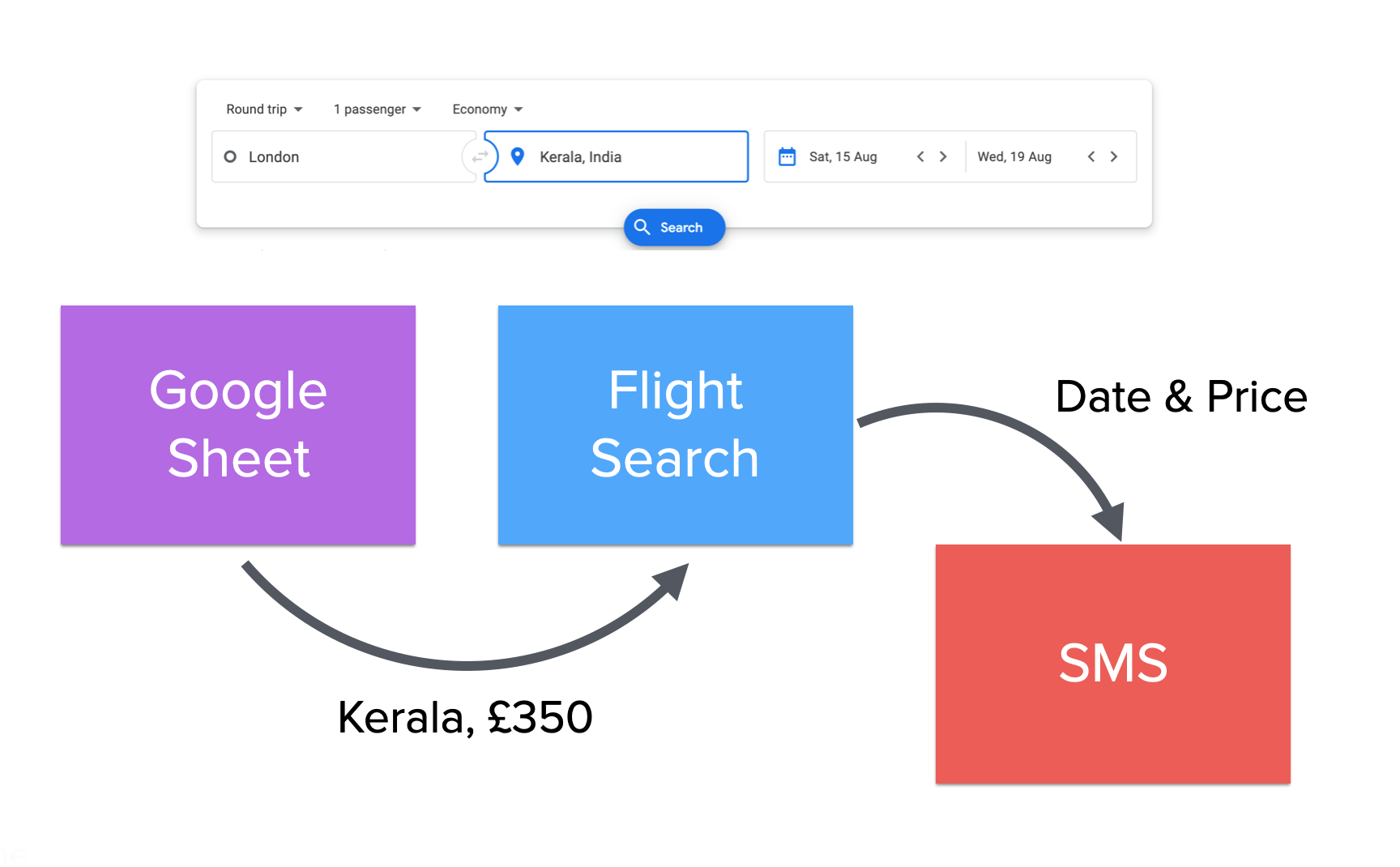
You can choose to build the project entirely yourself or you can follow step-by-step challenges. If you feel you are an advanced programmer and you have learnt and understood all the concepts in the course so far (OOP, APIs, datetime, List and Dictionary Comprehensions) then stop here and try to create the project yourself using the APIs listed below. If you prefer smaller step-by-step challenges then continue to the next lesson.
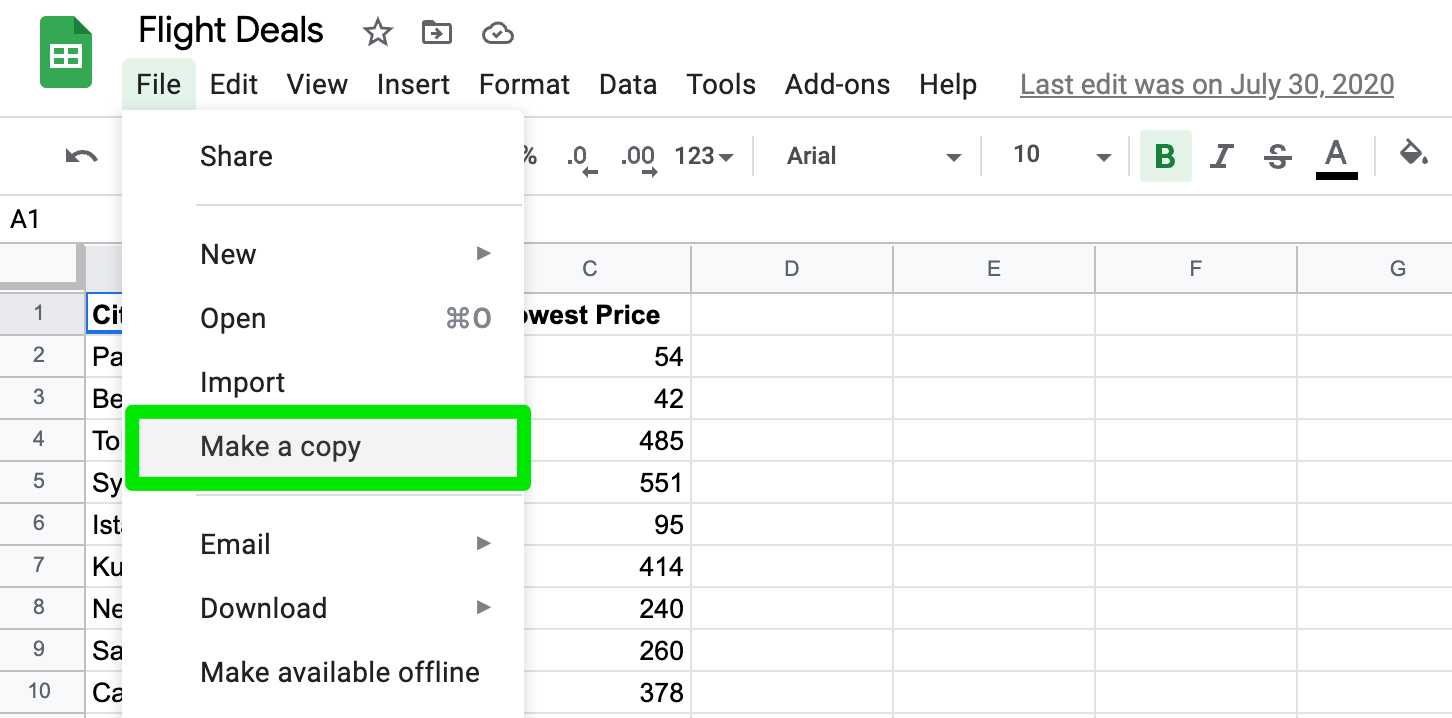
Make a copy of the Google sheet.
Google Sheet Data Management - https://sheety.co/
Amadeus Flight Search API (Free Signup, Credit Card not required) - https://developers.amadeus.com/
Amadeus Flight Offer Docs - https://developers.amadeus.com/self-service/category/flights/api-doc/flight-offers-search/api-reference
Amadeus How to work with API keys and tokens guide - https://developers.amadeus.com/get-started/get-started-with-self-service-apis-335
Amadeus Search for Airport Codes by City name - https://developers.amadeus.com/self-service/category/destination-experiences/api-doc/city-search/api-reference
Twilio Messaging (SMS or WhatsApp) API - https://www.twilio.com/docs/messaging/quickstart/python
Use the Flight Search and Sheety API to populate your own copy of the Google Sheet with International Air Transport Association (IATA) codes for each city. Most of the cities in the sheet include multiple airports, you want the city code (not the airport code see here).
Use the Flight Search API to check for the cheapest flights from tomorrow to 6 months later for all the cities in the Google Sheet.
If the price is lower than the lowest price listed in the Google Sheet then send an SMS (or WhatsApp Message) to your own number using the Twilio API.
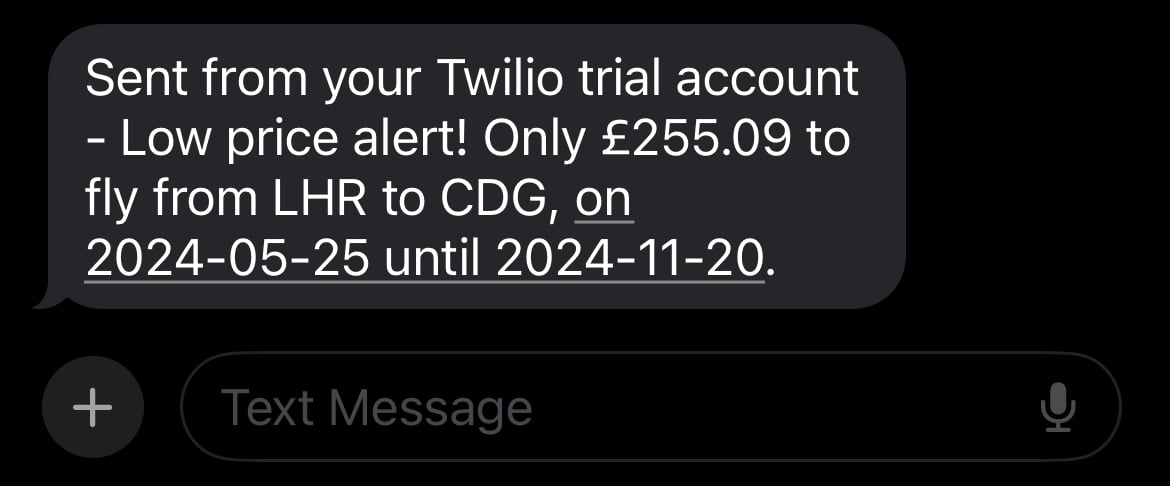
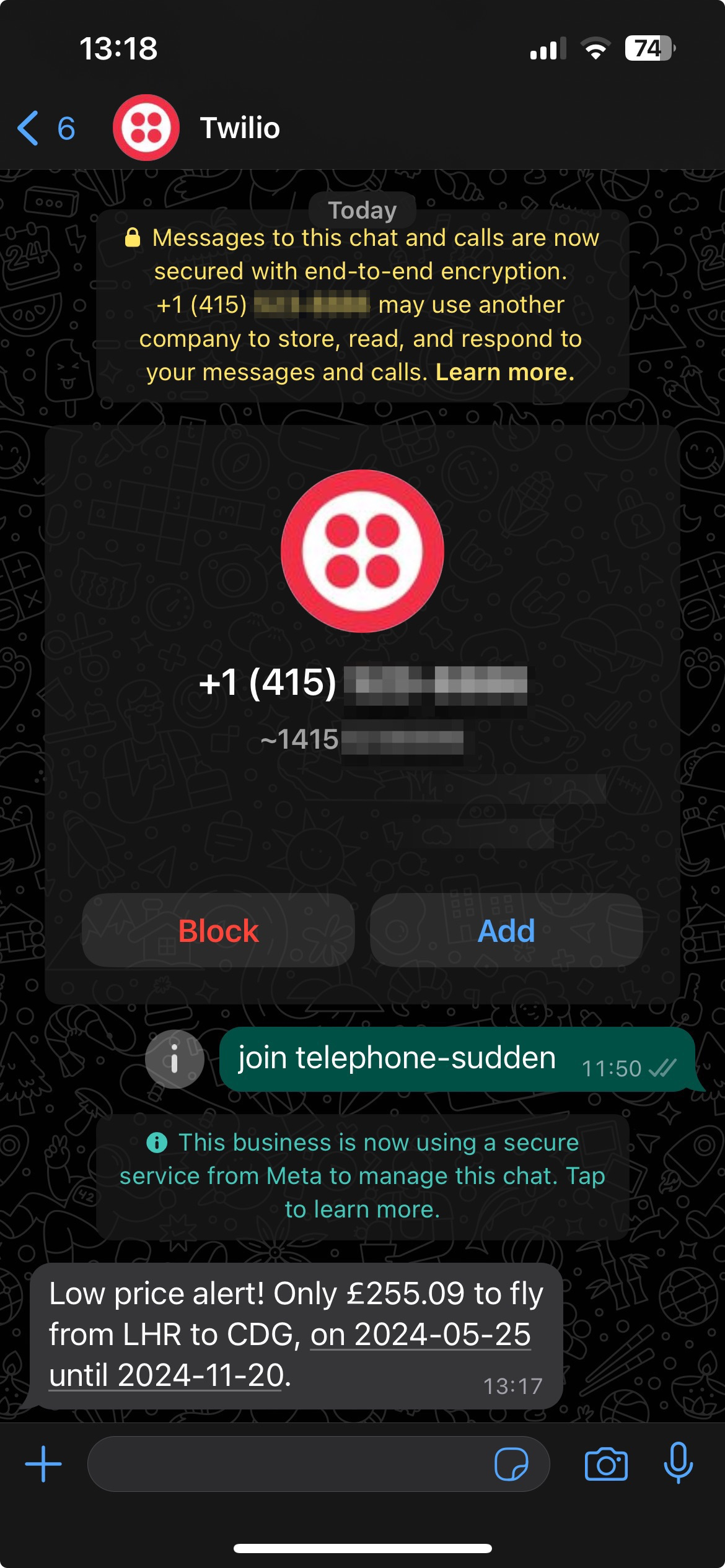
The SMS should include the departure airport IATA code, destination airport IATA code, flight price and flight dates. e.g.
Here's what it looks like with WhatsApp:
Avoid hitting your rate limit on your trial accounts by not using too many destination airports in your google Sheet (use 5 or at most 10)
Also, the test Amadeus test API does not include all airports. You may not be able to retrieve prices for many routes flights. Try and stick to popular airports while practicing.
Sheety API
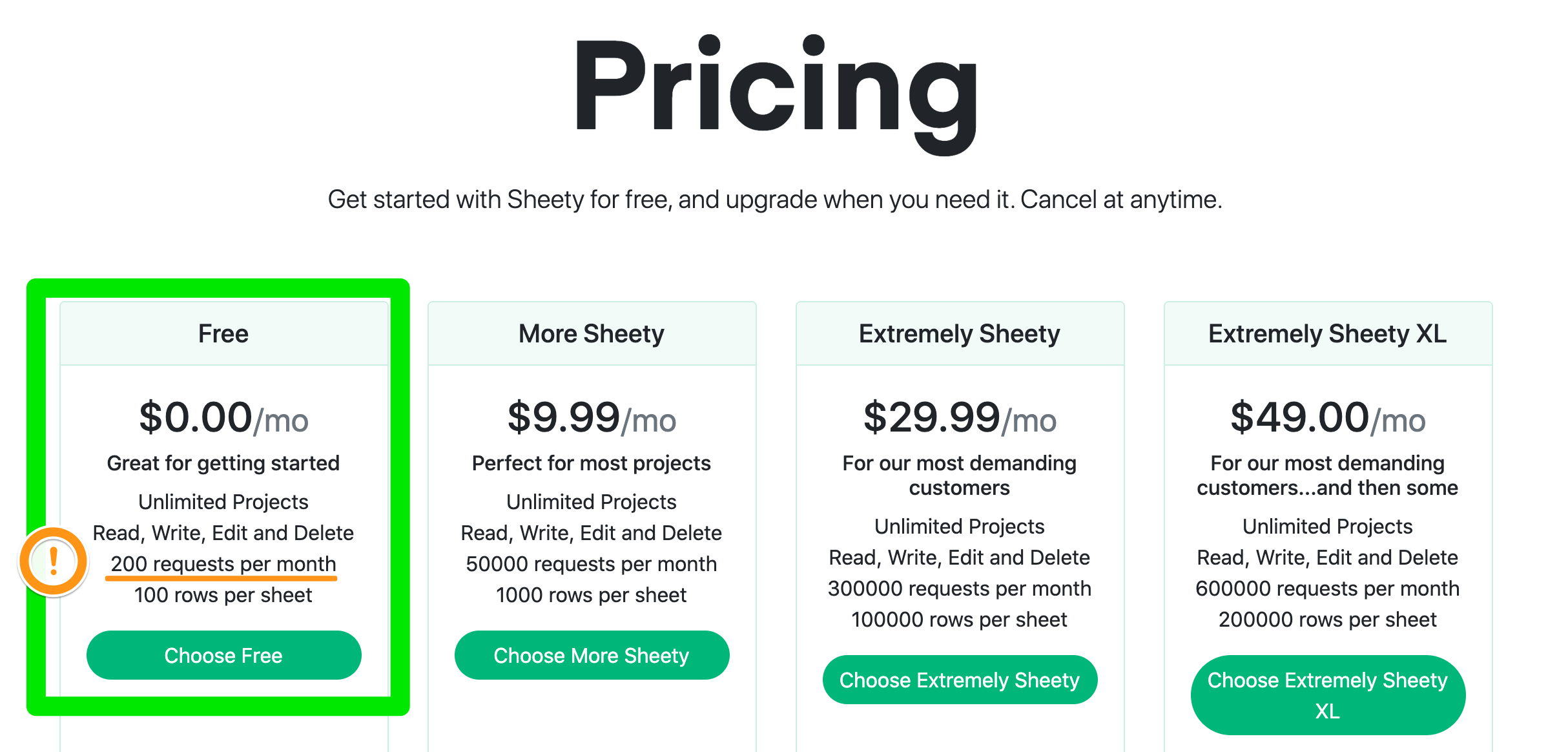
Avoid making too many unnecessary requests with the Sheety API while testing your code. The free tier for the Sheety API only allows 200 requests per month.
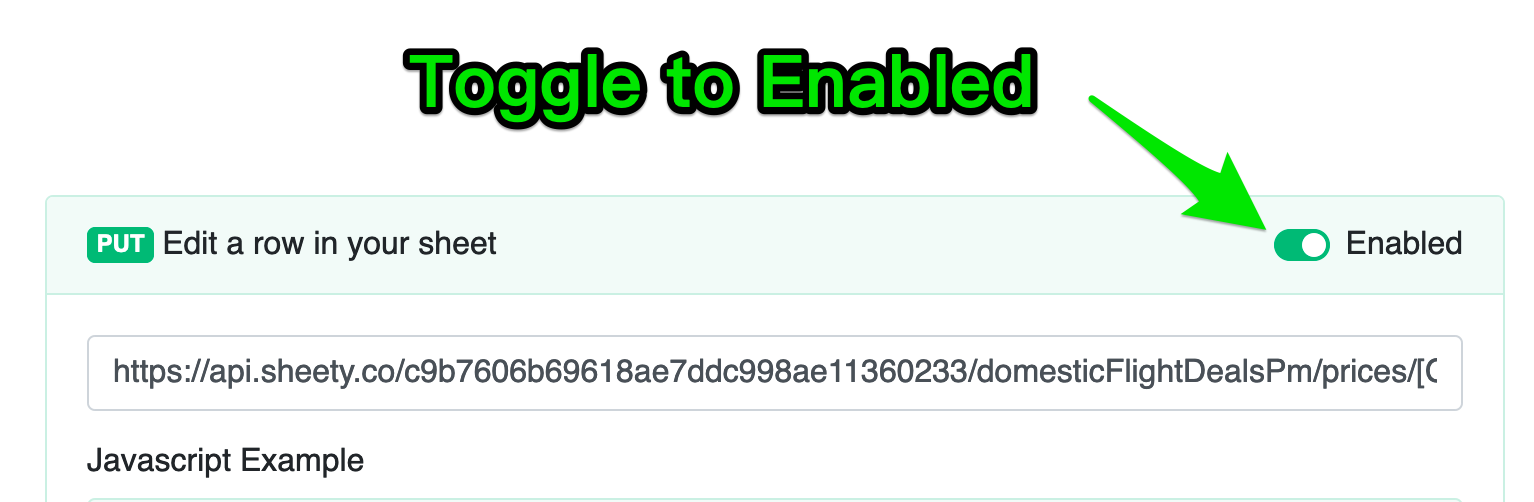
Also, enable the PUT option so that you can write to your Google sheet
Amadeus provides a free, rate limited test API.
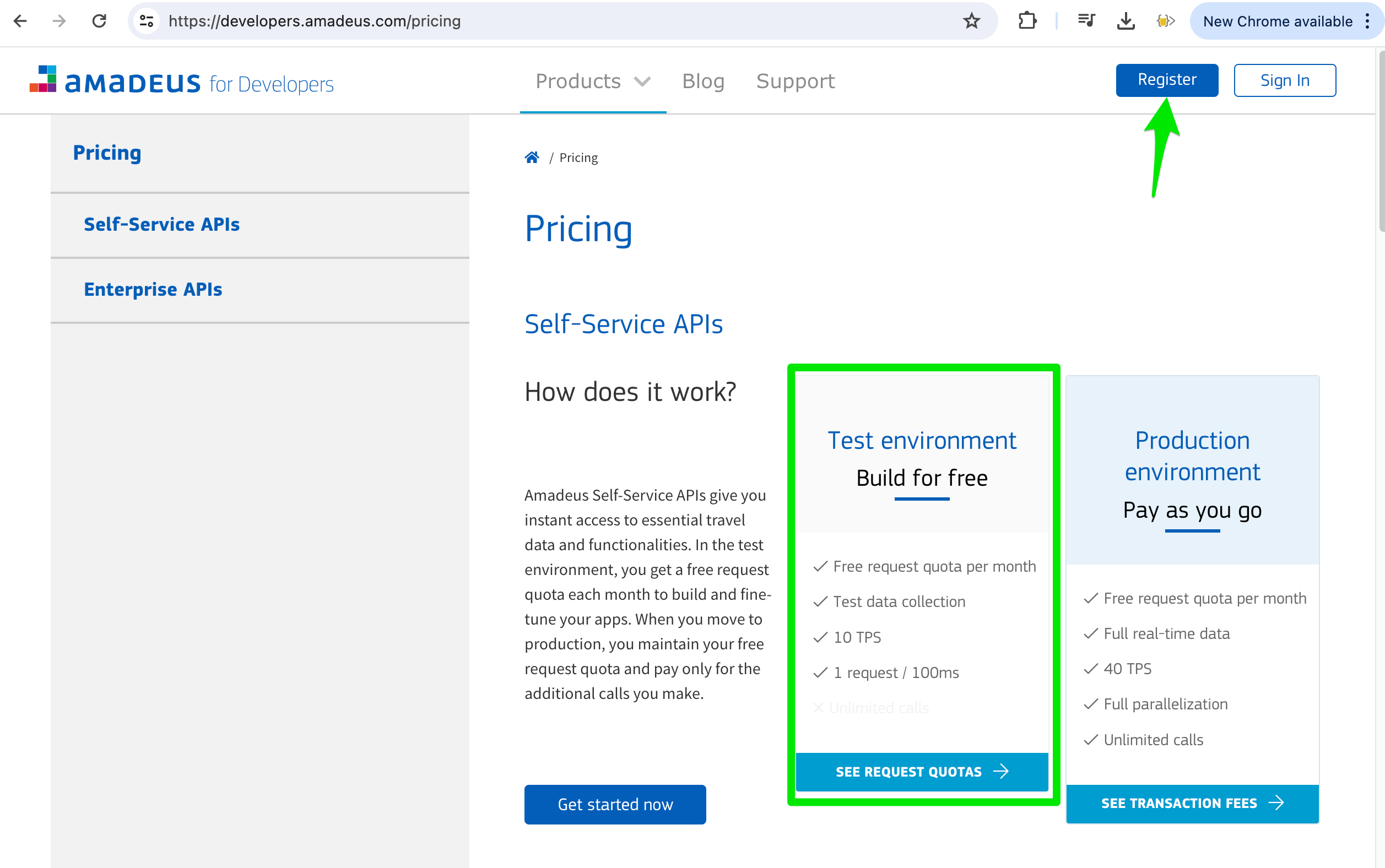
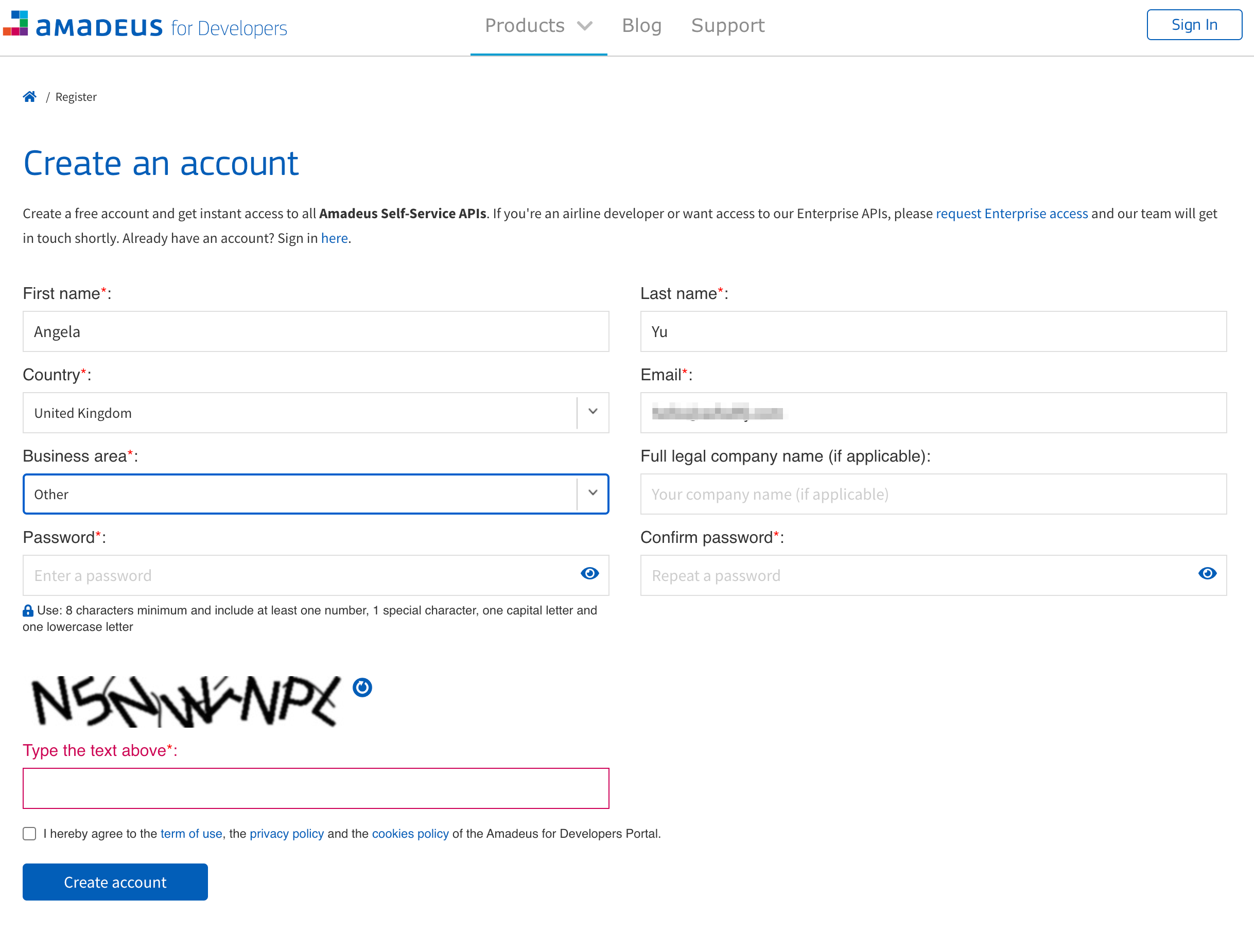
Go ahead and register: https://developers.amadeus.com/register
There is no need to provide a credit card or billing information.
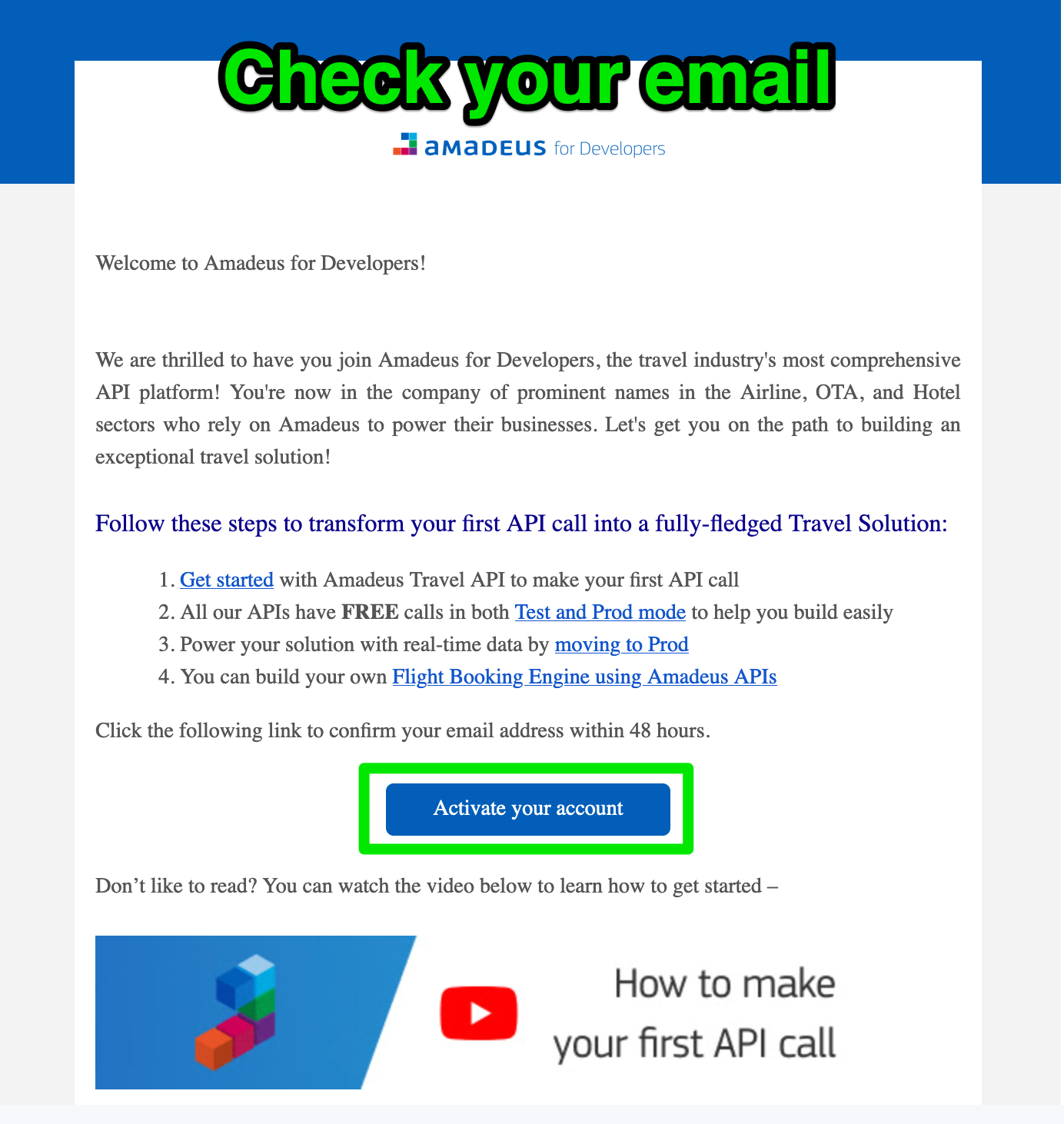
A verification email will get sent to the email that you provided. Click the button to activate your account.
Login to Amadeus. Then go to your self service workspace and create a new Self-Service App
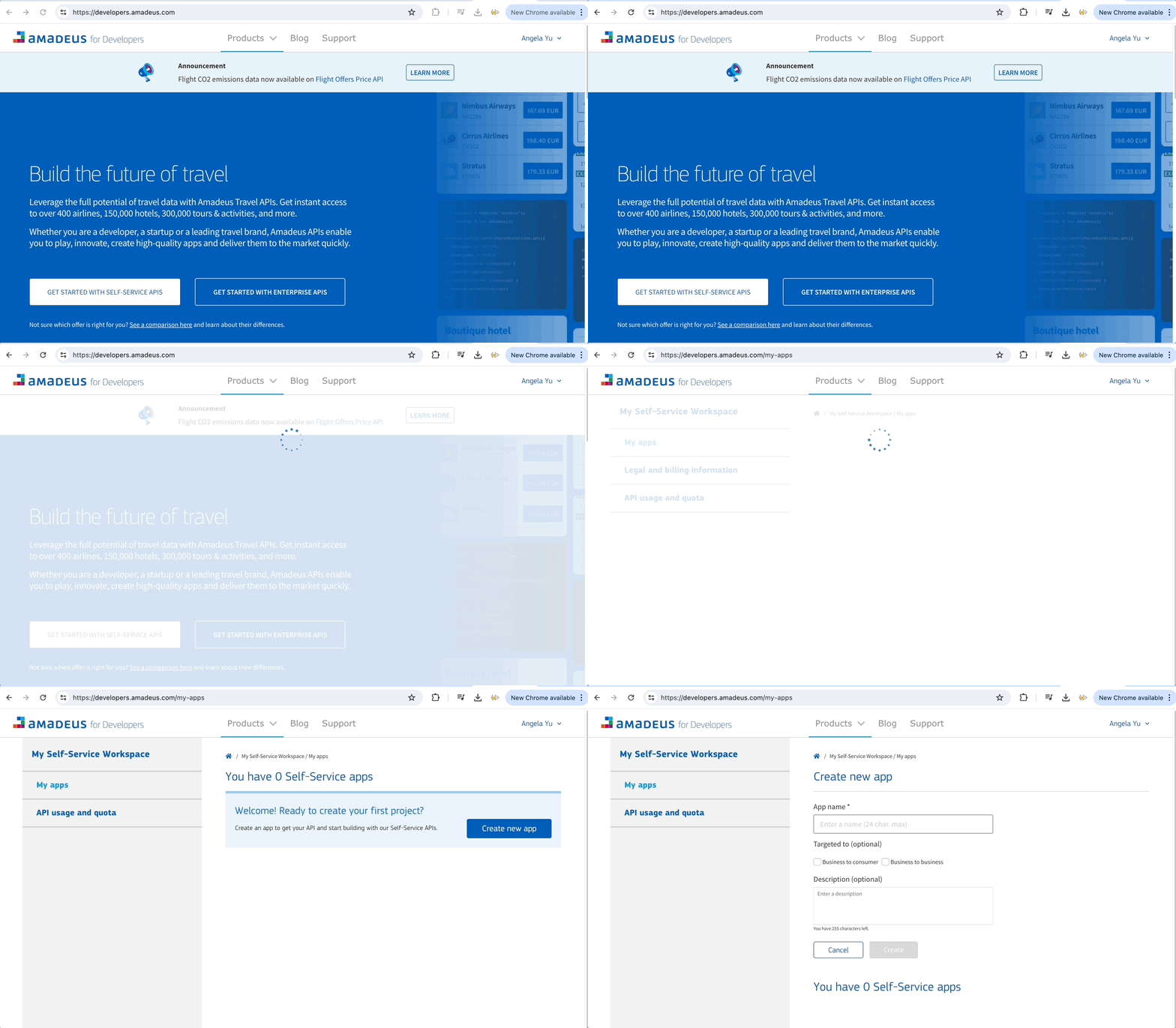
Create your new app. You can call it anything you want.
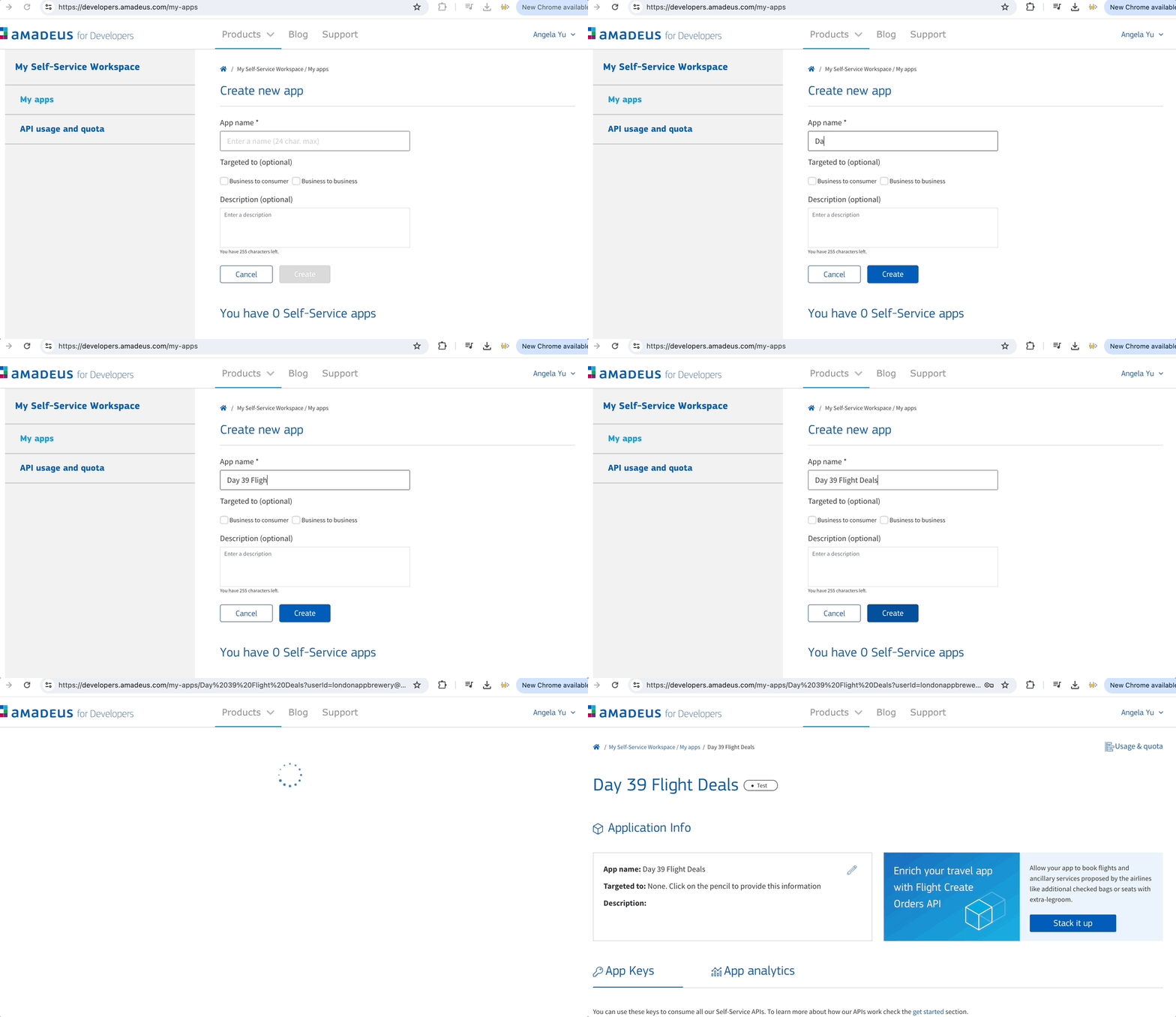
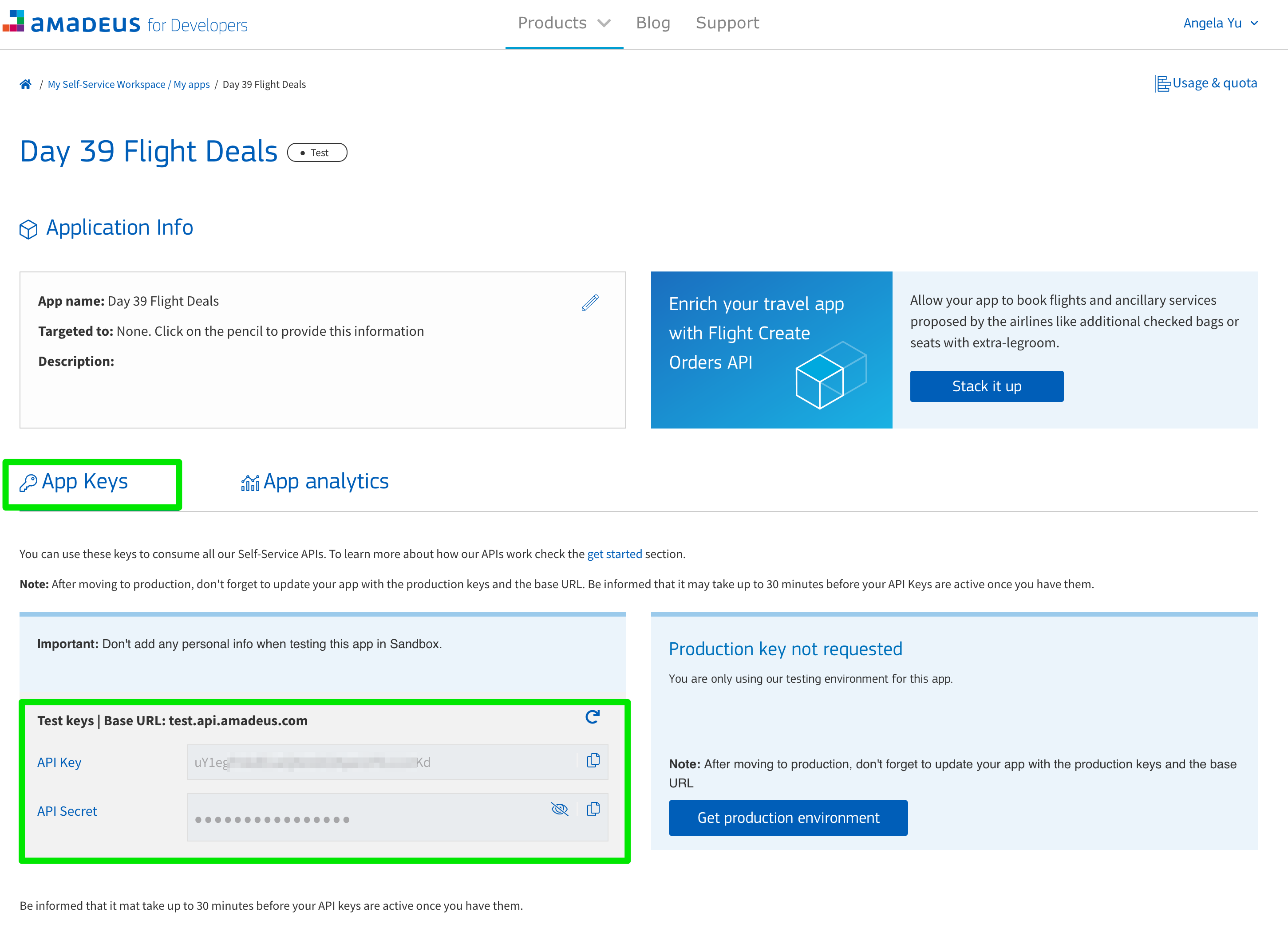
Make sure you get hold of your API keys! Copy and paste them someplace safe. You'll need these keys later to request an access token, so that you can search for flights.