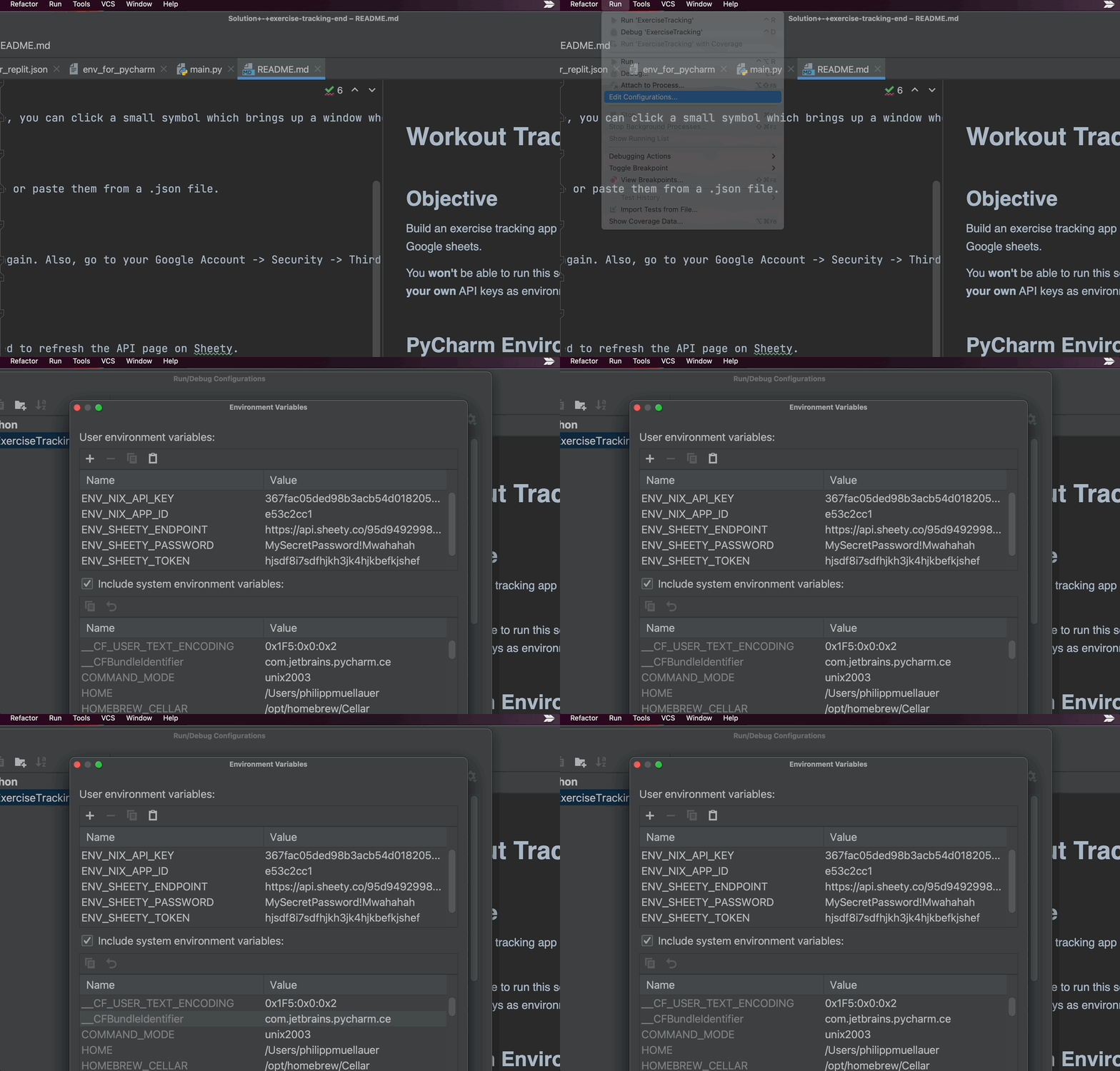
It's time to remove the hard-coded API keys, passwords, and endpoints from our .py file and move them into environment variables. The process will be slightly different depending on what your environment is.
1. Using what you know about Environment Variables (see Day 35), update your code to use environment variables for all sensitive data including:
APP_ID
API_KEY
SHEET_ENDPOINT
USERNAME
PASSWORD
TOKEN
HINT 1: You'll need to import the os module.
Here's how you would set environment variables
os.environ["APP_ID"] = APP_ID
and here is how you would get an environment variable
APP_ID = os.environ["APP_ID"] – raises exception if key does not exist
APP_ID = os.environ.get("APP_ID") – returns None if key does not exist
APP_ID = os.environ.get("APP_ID", “Message”) – returns “Message” if key does not exist
See Python | os.environ object
In PyCharm, you can add your environment variables under "Edit Configurations". If you click on the little symbol to the right under "Environment Variables, you will bring up a window where you can add the key-value pairs one by one. (you can also copy-paste all the environment variables at the same time).
HINT 2: Environment variables are declared without spaces!
HINT 3: https://stackoverflow.com/questions/4906977/how-to-access-environment-variable-values