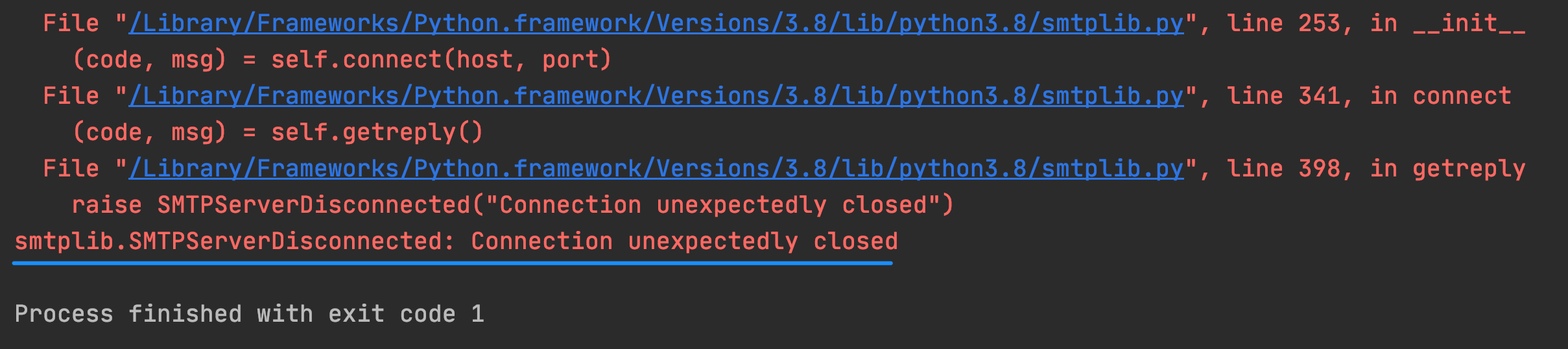
In the next lesson, I'll show you how to send email using the smtplib module and Python. If you are getting the error Connection unexpectedly closed, it might be due to a number of things. You can come back to this lesson to debug.
1. Make sure you've got the correct smtp address for your email provider:
Gmail: smtp.gmail.com
Hotmail: smtp.live.com
Outlook: outlook.office365.com
Yahoo: smtp.mail.yahoo.com
If you use another email provider, just Google for your email provider e.g. "Gmail SMTP address"
Below are steps specific to users sending email from Gmail addresses.
2. Go to https://myaccount.google.com/
Select Security on the left and scroll down to How you sign in to Google.
Enable 2-Step Verification
3. Find the section on App Passwords by searching for it:
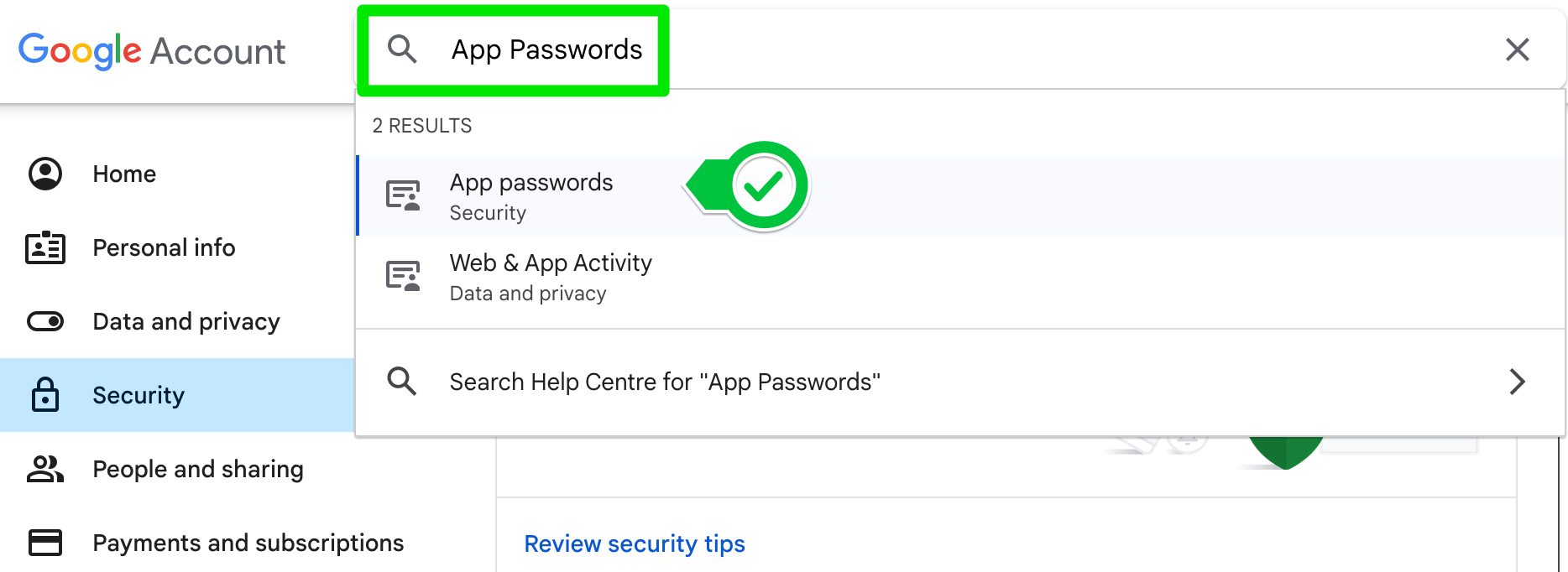
There you can add an App password.
Select give your app a name e.g., Python Mail and click create.
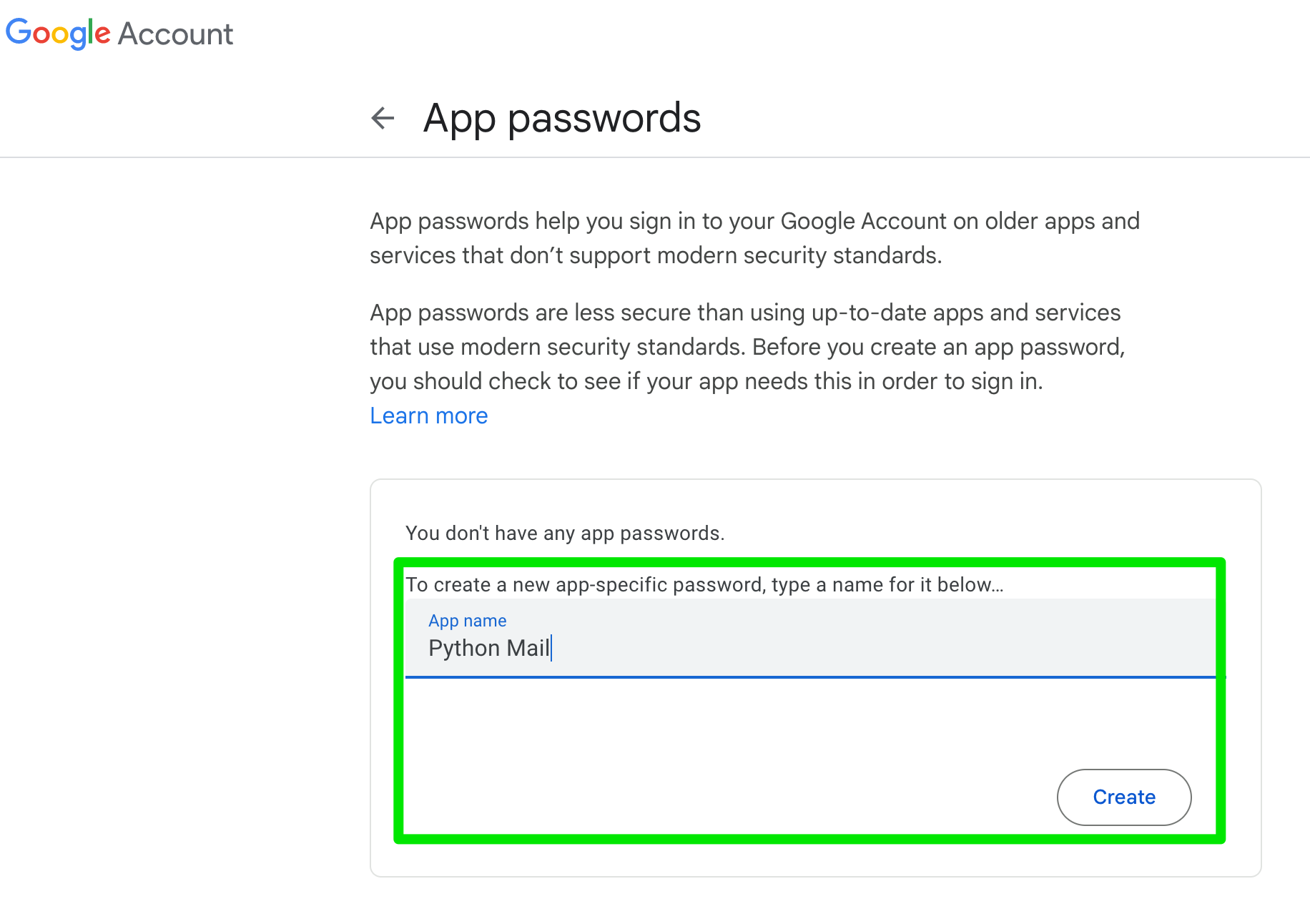
COPY THE PASSWORD - This is the only time you will ever see the password. It is 16 characters with no spaces.
Use this App password in your Python code instead of your normal password.
4. By default smtplib.SMTP uses port 25. This used to be the standard SMTP port, but because of abuse in the past most servers nowadays have blocked this port to external traffic. There are still some that do allow it; Hotmail, Live, etc. Port 25 is still used for traffic between servers, but many providers have switched to using port 587 for external traffic. If in doubt, search the internet for "smtp server settings" for your provider.
Add a port number by changing your code to this:
smtplib.SMTP("smtp.gmail.com", port=587)